Job management software works by following a job through its whole life on the floor — created from a quote, worked through its stages with labour and materials captured as it goes, costed against the quote in real time, and closed out to invoice. Here's the walkthrough, step by step.
1. A job is created
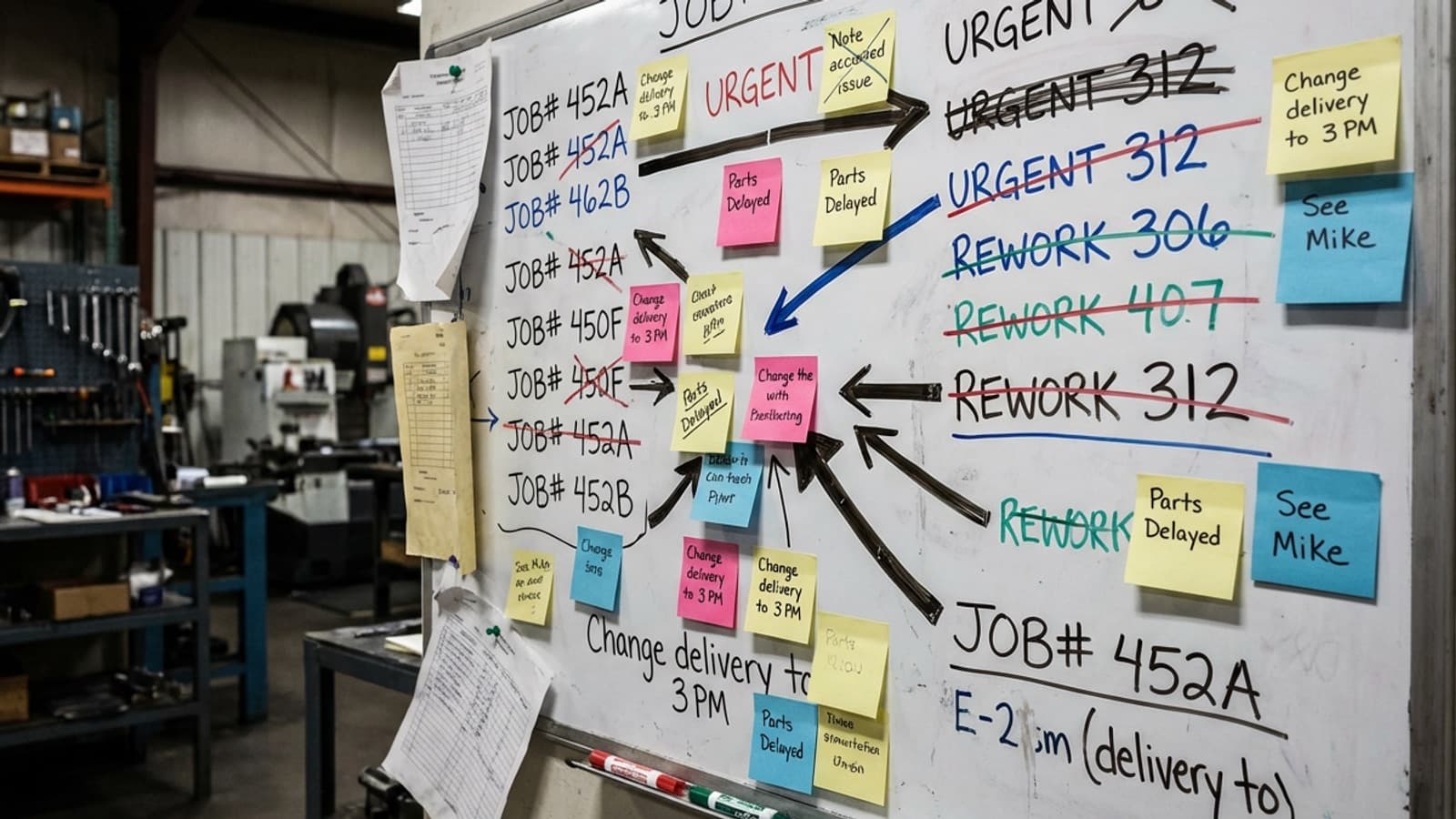
A job starts from a quote or order, with its details, stages, and often a drawing attached. From that moment it has a live record everyone can see — no more chasing status on a whiteboard or in someone's head.
2. Work is booked to it on the floor
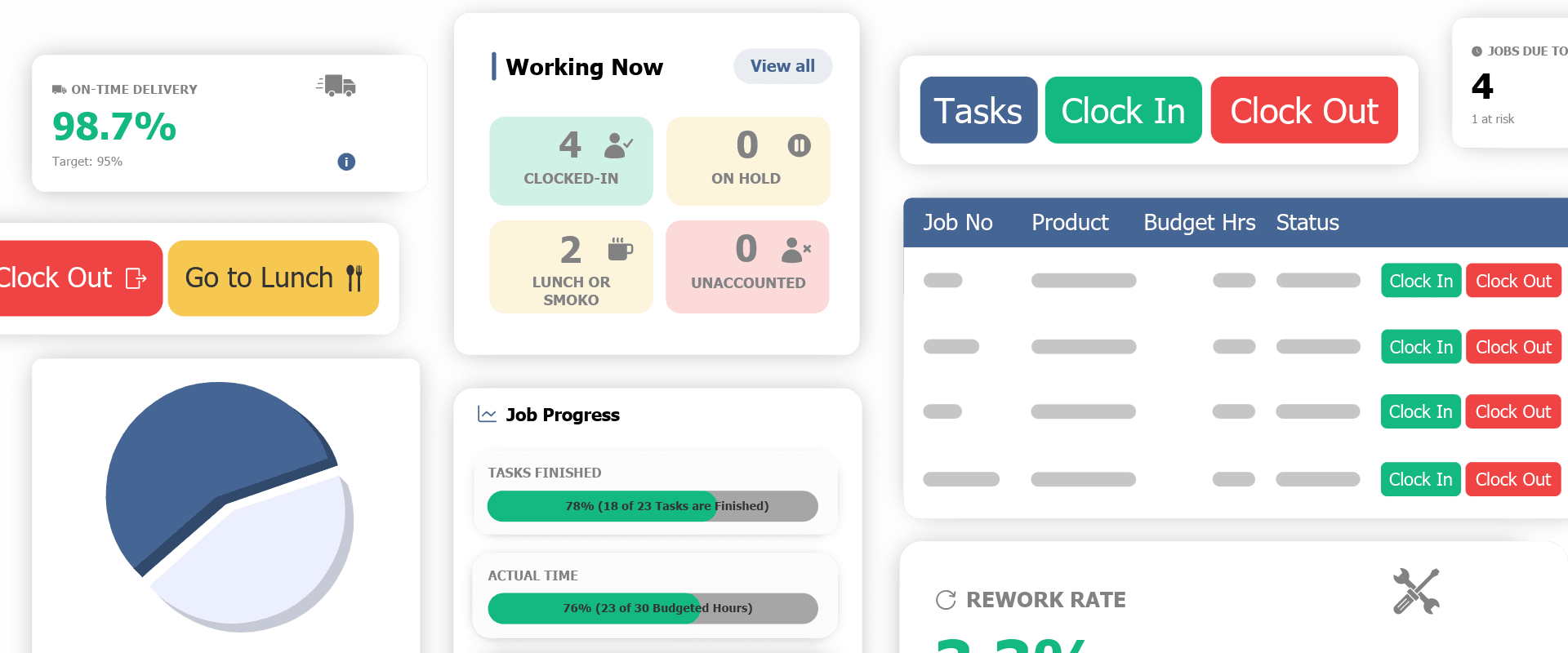
As staff work, they clock onto the job and the specific task from a tablet, phone, or floor screen. When they switch jobs or take a break, they clock across. This is the heart of the system — real labour, captured at the point of work, not remembered at the end of the day.
3. Costs build up in real time
Every clocked hour and every material added rolls into the job's cost — labour + materials + overhead — and the system compares it to the quote as the job runs. You see margin forming, or leaking, live rather than at month-end.
4. The floor is scheduled around it
Because the system knows what every job needs and what each work centre and person has on, it can schedule capacity and flag bottlenecks before they bite. Change a priority and the knock-on effect is visible immediately.
5. It closes out and feeds accounting
When the job ships, its verified data — hours, costs, final margin — flows into your accounting software (Xero, MYOB) without re-keying. The job's history stays on record to sharpen the next quote.
The bottom line
That's the whole loop: create, clock on, cost, schedule, close. Empower runs it for 250+ workshops across NZ and Australia. See how it works, or calculate your potential gains.