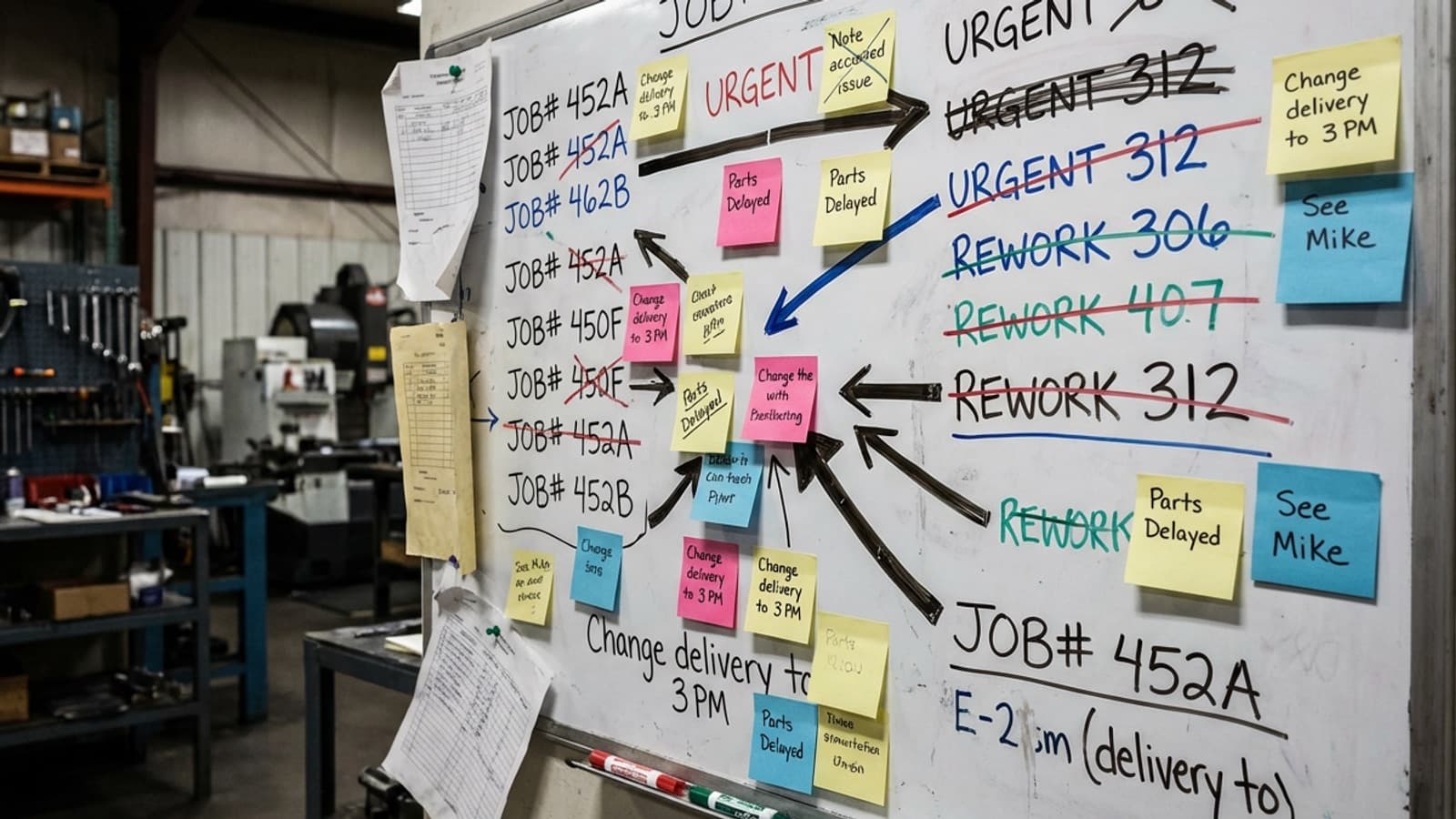
Job management software runs every job in your workshop from quote to invoice — capturing labour, materials, scheduling, and progress in one place so you always know what a job costs and whether it made money. For a New Zealand jobbing manufacturer, it replaces the whiteboard-and-spreadsheet patchwork most shops still run on.
This guide covers what a job management system actually does, when a workshop needs one, and what to look for if you're comparing options in the NZ market.
What job management software does
- 1Tracks jobs end to end — every job has a live status, from quote through machining, assembly, finishing, and dispatch.
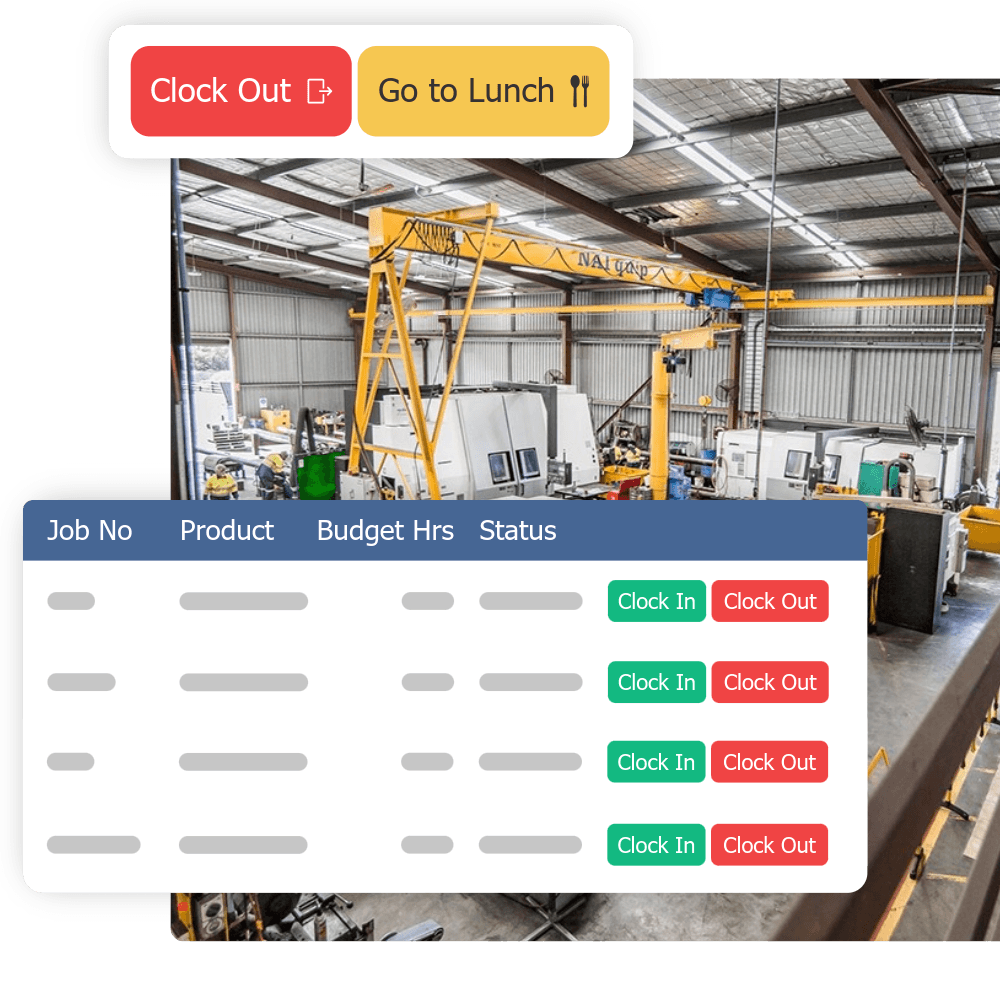
- 2Captures labour on the floor — staff clock onto jobs and tasks from a tablet, so hours are real, not remembered.
- 3Costs jobs in real time — labour + materials + overhead against the quote, so margin is visible before the job ships.
- 4Schedules capacity — see what each work centre and person has on, and reschedule without a bottleneck sneaking up.
- 5Feeds your accounting — verified data flows into Xero or MYOB without re-keying.
Job management tool vs system vs ERP
The terms get muddled. A basic job management tool tracks tasks and status. A full job management system adds costing, scheduling, and reporting across the whole floor. An ERP goes further into inventory, procurement, and finance — powerful, but usually overkill and over-priced for a 5–50 person jobbing shop. Most NZ workshops want the middle: a system built for the floor, not an enterprise platform.
When a NZ workshop needs it
- You're running 10 or more concurrent jobs
- Your team is past 5–8 people and growing
- Every job is different — jobbing, not mass production
- You quote on labour and get burned when jobs run over
- Nobody can say what the margin on a job was without a fight
What to look for
For a workshop specifically, avoid field-service tools built for trades on the road (Tradify, Fergus, Jobber) and heavyweight ERP. Look for floor-based time capture, task-level job costing, work-centre scheduling, and tight Xero/MYOB integration — the combination built for how a jobbing shop actually runs.
250+
NZ and Australian workshops running Empower
The bottom line
Good job management software turns a busy floor into a measurable, profitable one. For a growing NZ jobbing manufacturer, it's the difference between quoting on gut feel and quoting on data. Empower is built specifically for this — take a look at the job management module, or run your numbers through the gains calculator.