If you run an NZ manufacturing workshop, labour is your biggest cost — typically 40–60% of total expenses. So when you hear that workshop time tracking software can cut labour costs by 20–40%, the obvious question is: how?
The answer isn't about cutting headcount. It's about eliminating the invisible inefficiencies that bleed margin out of every job. Here's how it actually works.
Where labour costs actually leak
Most workshop owners know their hourly rate. What they don't know is where those hours actually go.
- Untracked rework. A job comes back because of a measurement error or a client change. The fix takes two hours. Nobody logs it against the original job. Your job costing data now says that job was profitable — but it wasn't.
- Task switching without logging. A fabricator gets pulled off Job A to do something urgent on Job B. They don't update their time. Job A looks like it took longer than it did. Job B looks like it cost nothing.
- Setup and teardown time. Changing tooling, setting up jigs, cleaning down between jobs. Real time. Real cost. Rarely tracked.
- Idle time between jobs. Waiting for materials. Waiting for instructions. Waiting for the CNC to finish.
- Admin and non-productive time. Meetings, stock takes, cleaning, maintenance — all necessary, all rarely tracked, all eating productive capacity.
What changes when you start tracking
When workshops start using time tracking software properly, the first thing that happens isn't cost reduction. It's visibility. You start seeing where time actually goes — and that changes everything.
Accurate job costing
Once every hour is logged against a job, you know — really know — what each job costs. Not what you estimated. Not what you hoped. What it actually cost in labour.
This does two things. First, it shows you which jobs are profitable and which are bleeding money. Second, it gives you the data to quote more accurately next time. When you can see that a standard kitchen install actually takes 38 hours instead of the 30 you've been quoting, you can adjust your pricing to protect your margins.
Identifying bottlenecks
Time data shows you where work gets stuck. Maybe your spray booth is a bottleneck — every job waits two days for finishing. Maybe your CNC operator is running at 110% while two bench hands are at 60%. You can't fix what you can't see.
Reducing non-productive time
Most workshops find that 15–25% of paid time is non-productive. Not because people are lazy — because the systems around them create waste. Waiting for materials, searching for drawings, redoing work because of poor communication. Once you can measure non-productive time, you can systematically reduce it. Even a 5% improvement across a 10-person workshop is worth thousands per year.
The 20–40% claim: where does it come from?
Take a 10-person joinery workshop. Average loaded labour cost per person is $35/hour. That's $728,000 per year in labour (2,080 hours per person). Here's where the savings come from:
- Quoting accuracy (10–15% saved). You stop underquoting jobs. The 10% you were losing money on? Now priced correctly.
- Reduced rework (3–5% saved). Errors caught earlier. Patterns visible. Rework drops because accountability increases.
- Better utilisation (5–10% saved). Scheduling improves. Idle time drops. You get more productive hours from the same team.
- Reduced overtime (2–5% saved). Better scheduling means fewer last-minute rushes.
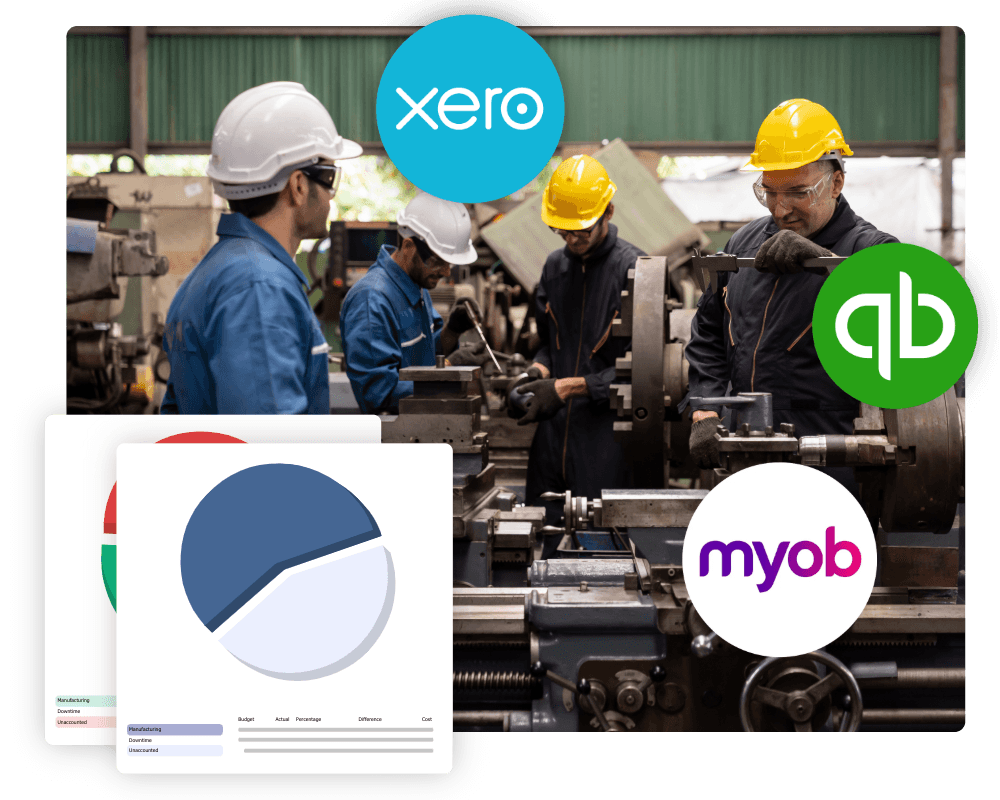
- Admin time (2–5% saved). Time tracking that integrates with Xero / MYOB / QuickBooks means less manual data entry. Timesheets flow into payroll. Reports generate automatically.
22–40%
Combined labour cost impact when these add up across a typical NZ workshop
What to look for in workshop time tracking software
- Job-based tracking. Every minute linked to a job number, not just "hours worked."
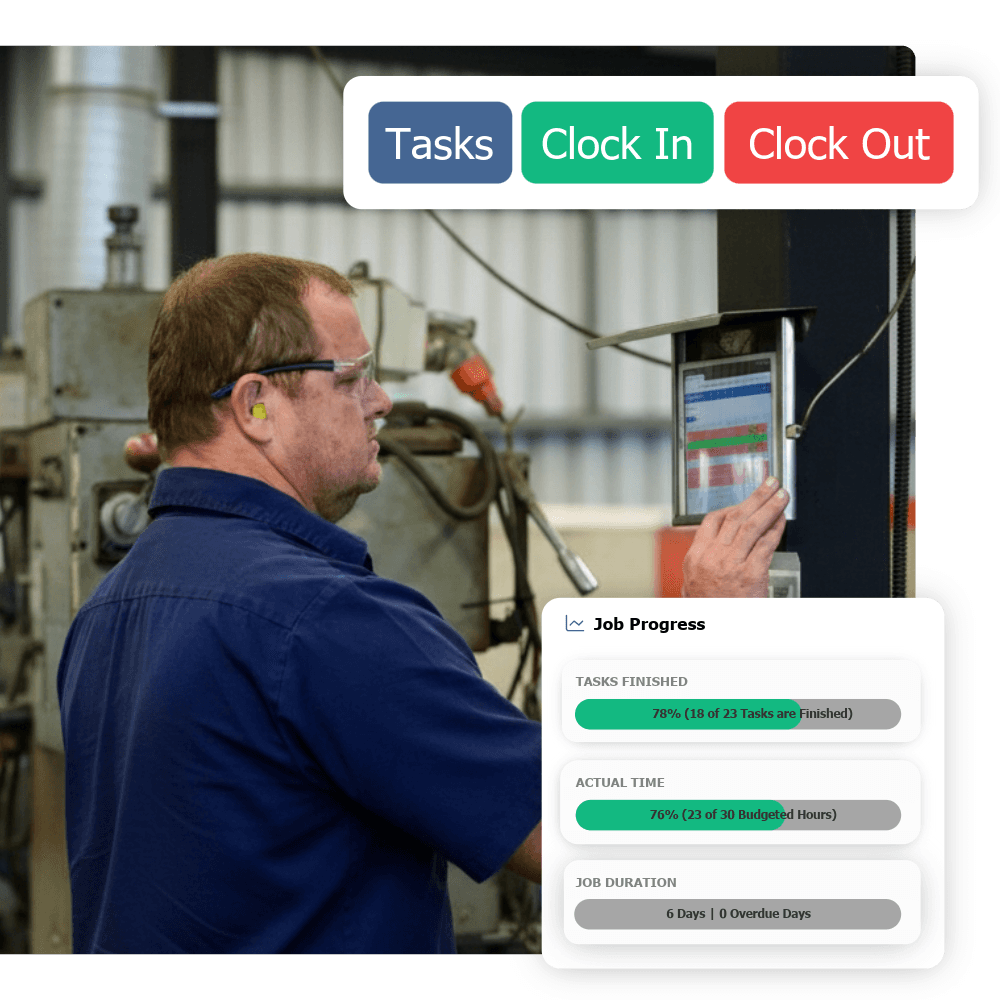
- Easy for the shop floor. Touchscreen kiosks, barcode scanning, or simple tablet interfaces. If clocking on takes more than 10 seconds, your team won't use it.
- Real-time visibility. See what everyone's working on right now. Catching problems while you can still fix them.
- Accounting integration. Time data flows into Xero / MYOB / QuickBooks automatically. No re-keying.
- Scheduling built in. Track where time goes and plan where it should go — in one system.
- NZ-specific. Tax rules, leave calculations, public holidays — software built for NZ saves headaches.
Getting started without the pain
The biggest fear most workshop owners have about time tracking is disruption. "My guys will hate it." "It'll slow everything down." "We'll spend months getting it set up."
Here's what actually happens with a good system: implementation takes 1–2 weeks, not months. The software comes with templates for your industry — joinery, engineering, composites — so you're not building everything from scratch.
Start with basic time tracking. Get your team used to clocking on and off jobs. That alone gives you data you've never had before. Then layer on scheduling, reporting, and deeper analysis over the following weeks.
The bottom line
Labour is your biggest cost. Right now, you're probably managing it with a mix of paper timesheets, gut feel, and end-of-month surprises.
Workshop time tracking software gives you visibility. Visibility gives you control. Control gives you the ability to reduce costs by 20–40% — not through cutting staff, but through eliminating waste, improving accuracy, and making better decisions.
The question isn't whether you can afford time tracking software. It's whether you can afford not to have it.