Labour is the single biggest cost in most manufacturing workshops — typically 40–60% of total expenses. Yet most workshop owners track it with paper timesheets, or don't track it at all. This guide covers how to capture labour cost data from your shop floor, what to do with it, and how to use it to protect your margins.
What 'labour cost' actually means in a workshop
Labour cost isn't just wages. It's the fully loaded cost of having a person work for one hour. That includes:
- Base wage — the hourly rate you pay
- On-costs — ACC levy, employer KiwiSaver, annual leave loading, sick leave loading
- Overhead allocation — the share of rent, power, depreciation, and admin that each productive hour carries
For a typical NZ workshop, a worker earning $30/hour actually costs you $55–$70/hour when loaded. That's the number your job quotes need to be based on.
Why paper timesheets don't work
Paper timesheets have three problems:
- 1They're inaccurate. Workers fill them in at the end of the day (or week) from memory. Studies show 15–30% inaccuracy in paper-based time capture.
- 2They don't capture enough detail. A timesheet might say '8 hours — Job 1234.' But which task? Which stage? Was any of it rework? You don't know.
- 3They create admin overhead. Someone in the office has to collect, decipher, and enter the data into a spreadsheet or accounting system. That's hours of non-productive time every week.
How to capture labour data properly
The key principle: capture time at the point of work, against specific jobs and tasks, automatically.
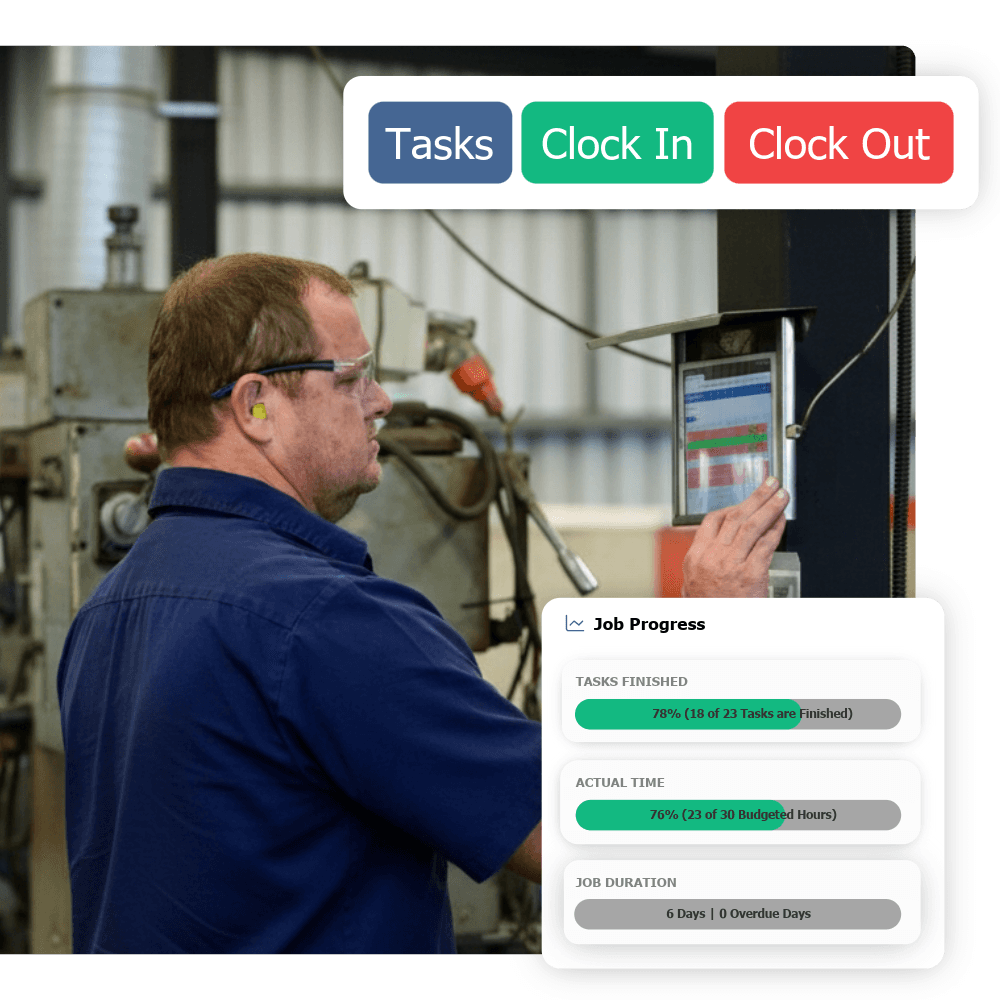
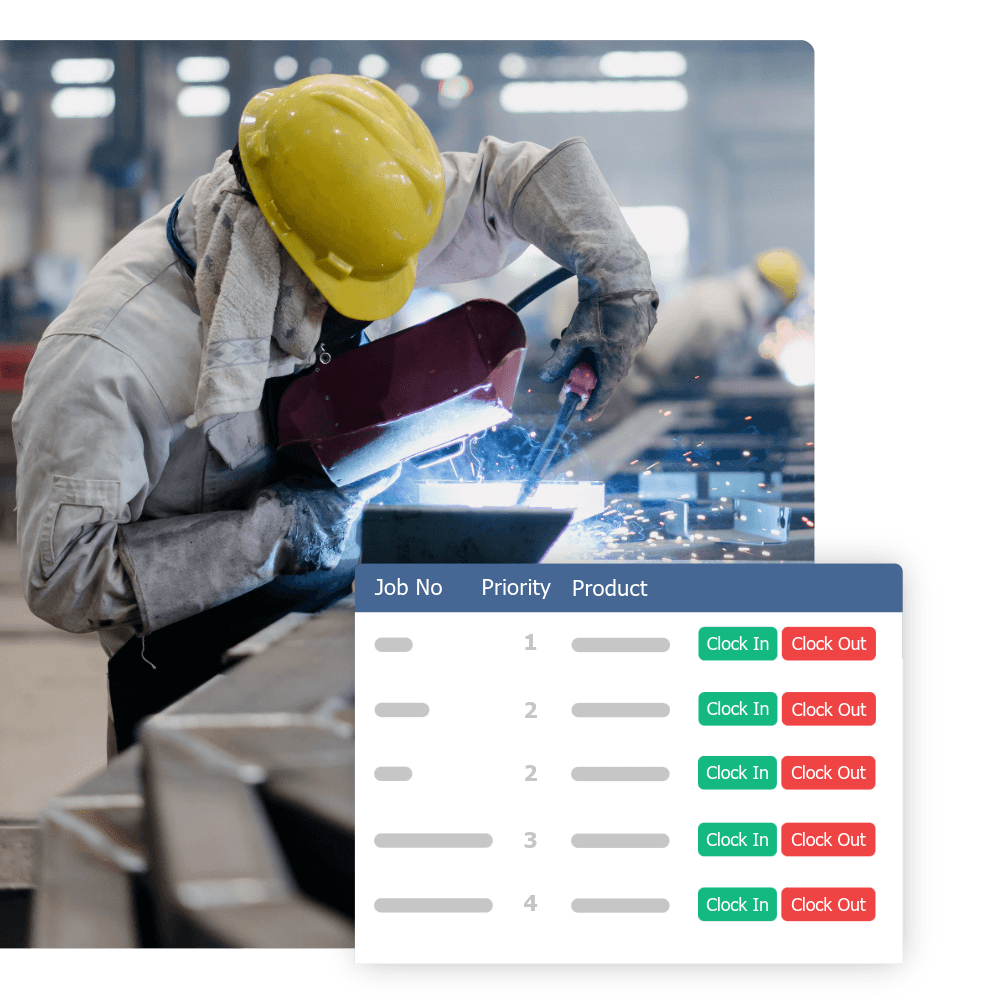
This means workers clock onto a job and task using a tablet, phone, or floor-mounted screen. The system records who, what job, what task, what time — automatically. When they switch to a different job or go on break, they clock across. The data builds itself.
With digital time capture, you get three things paper can't give you:
- Per-job labour costs — exactly how many hours went into each job, by stage
- Real-time visibility — see who's working on what right now, not at the end of the month
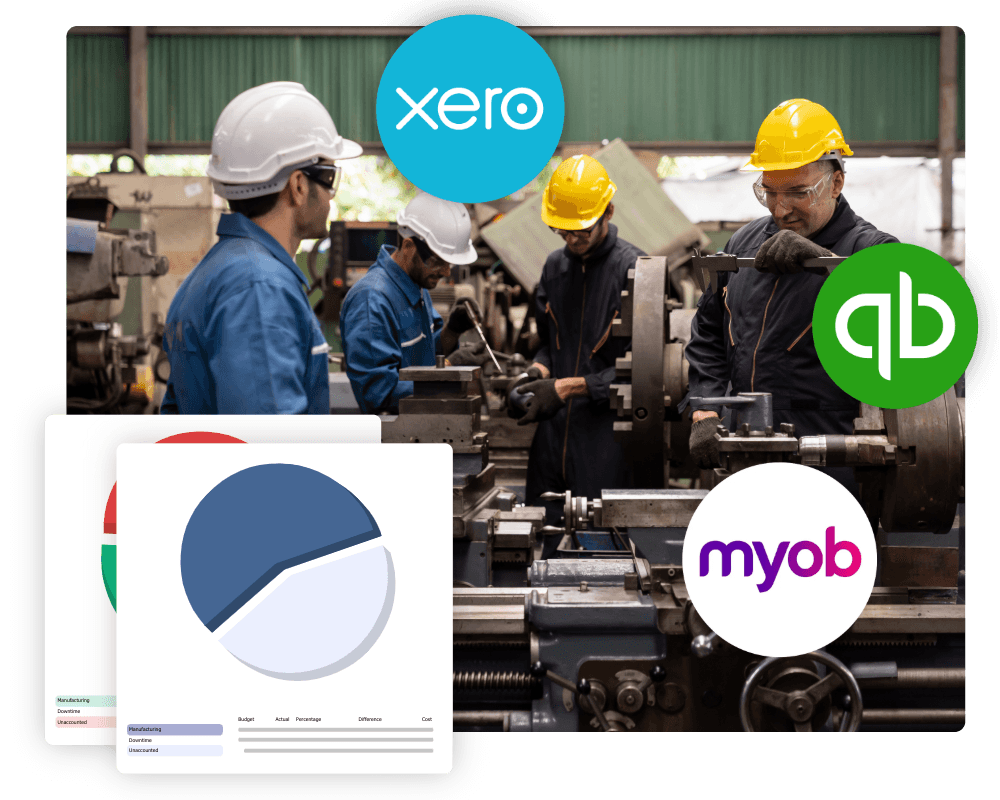
- Automatic payroll data — verified timesheets flow into your accounting system without re-keying
What to measure
Once you're capturing time data properly, focus on these five metrics:
- 1Labour cost per job — total hours × loaded rate. Compare against quote.
- 2Quoted vs actual hours — by job, by stage. This is how you improve your quoting accuracy over time.
- 3Productive vs non-productive time — how much paid time is actually spent on revenue-generating work?
- 4Rework hours — time spent fixing mistakes. Track it separately so you can see the cost and fix the root cause.
- 5Labour utilisation rate — productive hours ÷ available hours. Most workshops run 60–75%. Getting to 80%+ is a meaningful improvement.
60–75%
Typical labour utilisation rate in NZ manufacturing workshops before digital tracking
Using the data to improve margins
Once you have accurate labour cost data, three things improve:
- Quoting accuracy — you stop underquoting because your estimates are based on real historical data, not gut feel
- Operational efficiency — you see where time leaks (setup, waiting, rework) and can systematically reduce them
- Pricing confidence — you know your true cost, so you can price for margin rather than guessing
Getting started
Start simple. Get digital time tracking running on the floor with basic job-level capture. Most workshops see immediate value just from having accurate time data — even before they start analysing it in depth. Then build from there: add task-level tracking, rework flags, and quoted-vs-actual reporting as your team gets comfortable with the system.
You can't manage what you can't measure. And in a workshop, labour is the thing most worth measuring.