The best job costing software for manufacturing is the system that captures labour at the point it happens - on the shop floor - and compares it to the quote while the job is still running. Accounting tools cost jobs after they ship; by then the margin is already gone. Below are the 7 job costing systems NZ and Australian manufacturers actually shortlist, compared on the things that decide whether a job makes money.
The 7 best job costing systems for manufacturing (2026)
The short version: Empower for jobbing manufacturers who want costing driven from the floor, WorkGuru for broad all-in-one business software, simPRO, Fergus and Tradify for field trades rather than manufacturing, and Xero Projects or MYOB if basic after-the-fact job buckets are enough. Detail on each below.
1. Empower - best for jobbing manufacturers
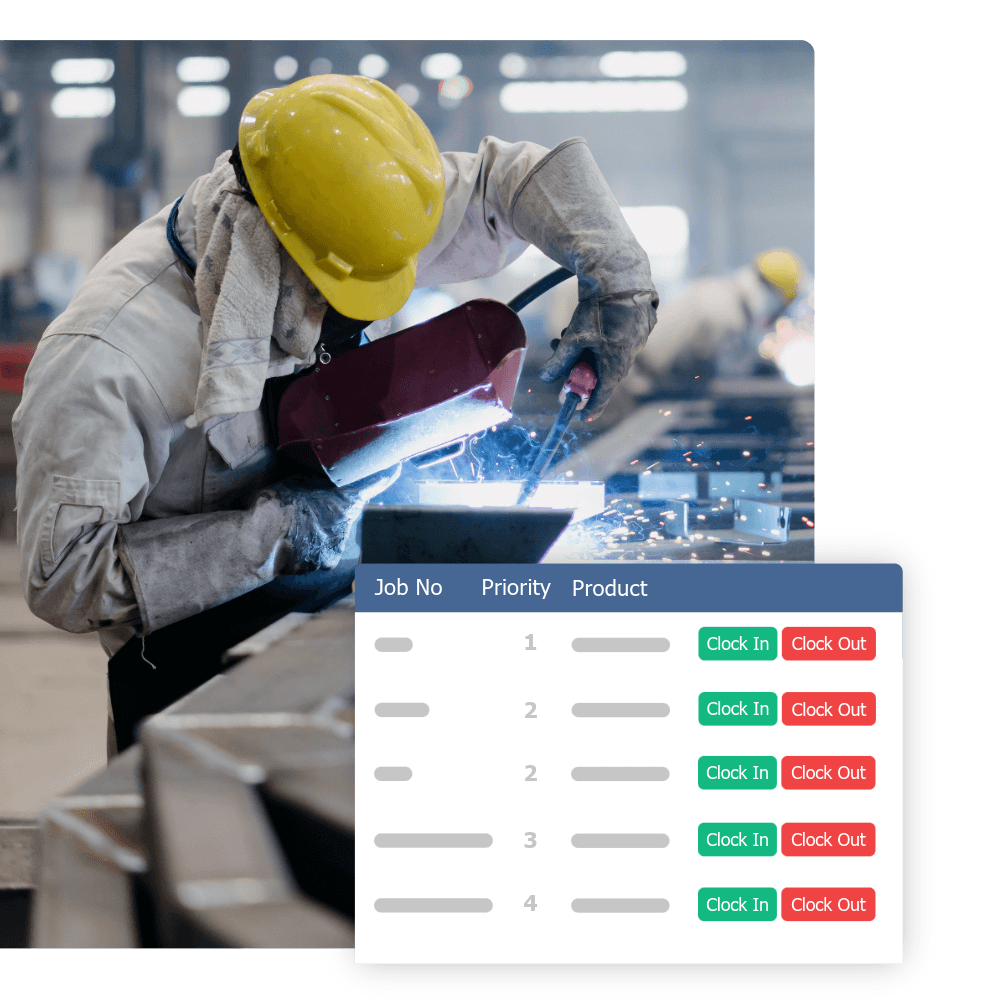
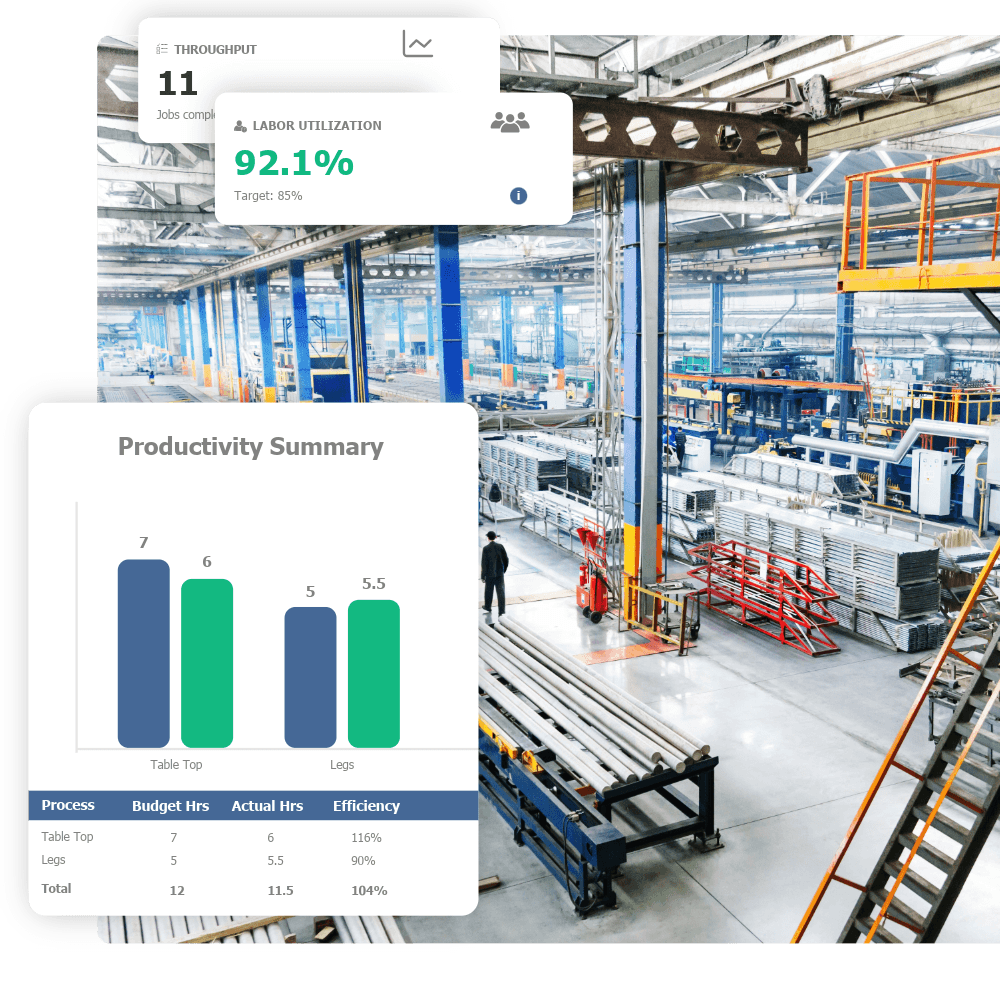
Empower is workshop productivity software built solely for jobbing manufacturers - joinery, engineering, composites, sheetmetal. Workers clock onto jobs and stages at the bench, biometric clock-in included, so every job carries live actual-vs-quoted hours without anyone filling in a timesheet. Materials and bought-in work log to the job, 200+ manufacturing reports sit on top, and the numbers sync to Xero or MYOB. It's our product, so judge the claim by what comes with it: a 20-40% productivity gain in your first year, guaranteed in writing. 250+ workshops across NZ and Australia run on it. Get an instant quote for your team size.
2. WorkGuru - best all-in-one for SMBs that also need stock and CRM
WorkGuru is Australian job management software covering job tracking, quoting, CRM and stock control, and it genuinely serves fabricators. Its breadth is the draw: sales pipeline and inventory in the same platform. Costing runs from timesheets rather than floor-level capture, and pricing is modular: published pricing (July 2026) is A$350/month for the first 10 team members plus A$35 per extra member, with stock control +A$300/month, automation +A$200/month and digital forms +A$150/month. Guided implementation is a A$3,500 flat fee; DIY setup is free. Full Empower vs WorkGuru comparison.
3. simPRO - best for multi-site field service
simPRO is field-service management for trades that work on customer sites - plumbers, electricians, HVAC. It's strong on field quoting, asset management and invoicing by visit, and suits service businesses with 20+ technicians. Job costing follows the field workflow, so a workshop running jobs through production stages will fight the model. Empower vs simPRO.
4. Fergus - best for NZ trades businesses
Fergus is New Zealand-built job management for trades: quoting, scheduling, time tracking, invoicing and H&S compliance for field teams, and well-regarded in the NZ trades market. Costing is manual-entry rather than captured from a floor, and there's no production-stage routing, so it suits the ute more than the workshop. Empower vs Fergus.
5. Tradify - best for small trades teams
Tradify is a NZ-built job management app for small trades businesses: on-the-go quoting and invoicing from a phone, simple and well-priced for teams under 15. Jobs are managed by site visit, not production stage, which is the wrong shape for manufacturing job costing. Empower vs Tradify.
6. Xero Projects - basic job buckets inside your accounting
Xero Projects adds time and cost tracking against projects inside Xero. For a workshop that just wants hours and invoices grouped by job, it's cheap and already in your stack. But it costs jobs from financial data after the fact: no floor capture, no stage detail, no live quoted-vs-actual. Most workshops pair Xero with a floor-level system instead - see job costing software that integrates with Xero.
7. MYOB - project tracking on the accounting side
MYOB's job tracking works the same way: categorise transactions against jobs and report cost after the event. Fine for financial visibility across a handful of jobs, but not a tool a factory floor can run on. Like Xero, it does its best work as the accounting layer under a real costing system - Empower syncs to both.
What real job costing requires
- 1Accurate labour capture - job costs are mostly labour, and labour is only as accurate as your time data. Paper timesheets are 15-30% off; floor-based clock-on is near-exact.
- 2Task-level detail - not just a daily total against a job number, but which stage, and whether any of it was rework.
- 3Materials against jobs - raw materials, consumables, and bought-in work logged to the job.
- 4Quoted vs actual - the system compares real cost to the quote, live, so you see the leak before the job ships.
Accounting add-on vs a real system
Xero, MYOB, and QuickBooks can do basic project tracking, but they cost jobs after the fact from financial data. A real job costing system costs jobs from the floor, in real time, then feeds the numbers to your accounting software. If a job-costing tool can't capture labour on the floor, it's an accounting add-on, not a costing system.
15-30%
Typical inaccuracy in paper-based time tracking - the foundation most job costs are built on
Questions to ask before you buy
- Can a worker clock onto a job from the floor in a couple of taps?
- Can it show quoted vs actual hours on a job that ran over?
- How does material cost get onto the job?
- How does the data get into Xero or MYOB - a real integration, or a CSV export?
Common questions
What's the best software for tracking labour costs in a small manufacturing shop?
The deciding factor is capture. In a small shop nobody has time to chase timesheets, so pick a system where workers clock onto jobs at the bench in a couple of taps - the labour data then builds itself. That's the core of Empower; even a 5-person joinery or engineering shop gets accurate labour cost per job from day one.
What's the best job costing software that works with QuickBooks?
Keep QuickBooks for the accounting and put a floor-level costing system on top. The costing system captures labour, materials and stage detail in real time, then syncs financial outputs back to QuickBooks. The same pattern applies to Xero and MYOB - the accounting platform was never designed to see the shop floor.
What does job costing software cost?
Published pricing in this market runs from a few hundred dollars a month to over a thousand once add-ons stack up. WorkGuru, for example, is A$350/month for 10 users before stock control (+A$300/month) and other modules. Empower includes its core modules in one price, with hands-on setup well under WorkGuru's A$3,500 implementation fee. Run the instant quote calculator for an exact figure for your team size.
What's the best job costing system in NZ?
For NZ manufacturers the shortlist is Empower - built for the shop floor, with NZ-based support and Xero and MYOB integration - and the trades tools, Fergus and Tradify, if your work is field-based rather than workshop-based. For a jobbing workshop, floor-level capture is the line that separates them.
The bottom line
The best job costing system for a manufacturing workshop is the one built for the floor: accurate labour capture, task-level detail, live quoted-vs-actual, and clean accounting integration. Empower does exactly this for 250+ manufacturers across NZ and Australia, and guarantees the result in writing. See the guarantee and run your numbers.