
Empower vs Jobber: which fits your workshop?
Jobber is field-service management software designed for home-service businesses — landscapers, cleaners, HVAC technicians. It handles quoting, scheduling, and invoicing for teams that work on customer properties. Empower is workshop management software for manufacturers who work on a shop floor.
Jobber is the right choice if you run a home-service business, you need client-facing scheduling and online booking, and your workflow is visit-based rather than production-based. Jobber excels at client communication and payment collection.
Empower is the right choice if your team works in a workshop, jobs go through multiple production stages, and you need biometric time tracking, live job costing, and production scheduling. Empower is built for making things, not servicing things.
Empower vs Jobber: side by side.
| Feature | Empower | Jobber |
|---|---|---|
| Built for shop floor manufacturing | ||
| Built for home-service businesses | ||
| Biometric time clock | ||
| Production scheduling & Gantt | ||
| Live job costing from floor data | ||
| Client booking portal | ||
| Online payment collection | ||
| Multi-stage job routing | ||
| Work centre tracking | ||
| Xero integration | ||
| Productivity guarantee |
Feature data based on publicly available information as of May 2026. Contact each vendor to confirm current capabilities.
Common questions about Empower vs Jobber.
Is Jobber good for manufacturing?
Why do workshop owners compare Empower to Jobber?
Does Empower have a client portal?
Real workshops, real numbers

25% Faster Average Job Times
A 10-person sheet metal shop grew to 200 staff and $15M+ revenue without losing grip on margin — live time tracking on the floor cut average job times by 25%.
Read the story30% Reduction in Labour Times
Manta Marine swapped manual tracking for live visibility of every task — labour hours per job dropped 30% immediately, and they say costs would jump straight back if they turned the system off.
Read the story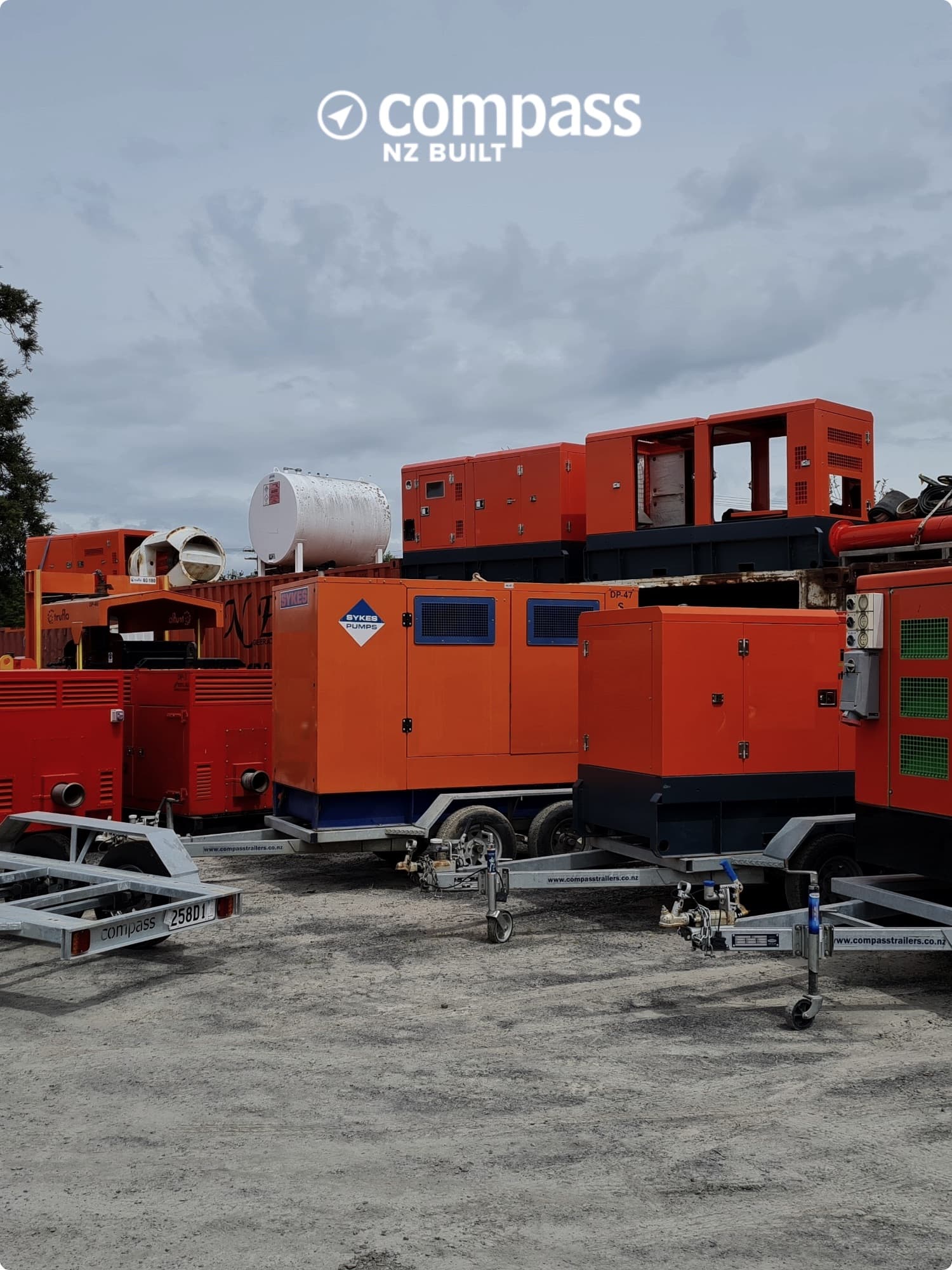
30% Increase in Productivity
Compass replaced manual systems with live floor visibility — letting management identify bottlenecks and keep staff on the highest-priority task. Output rose 30% with no extra overhead.
Read the story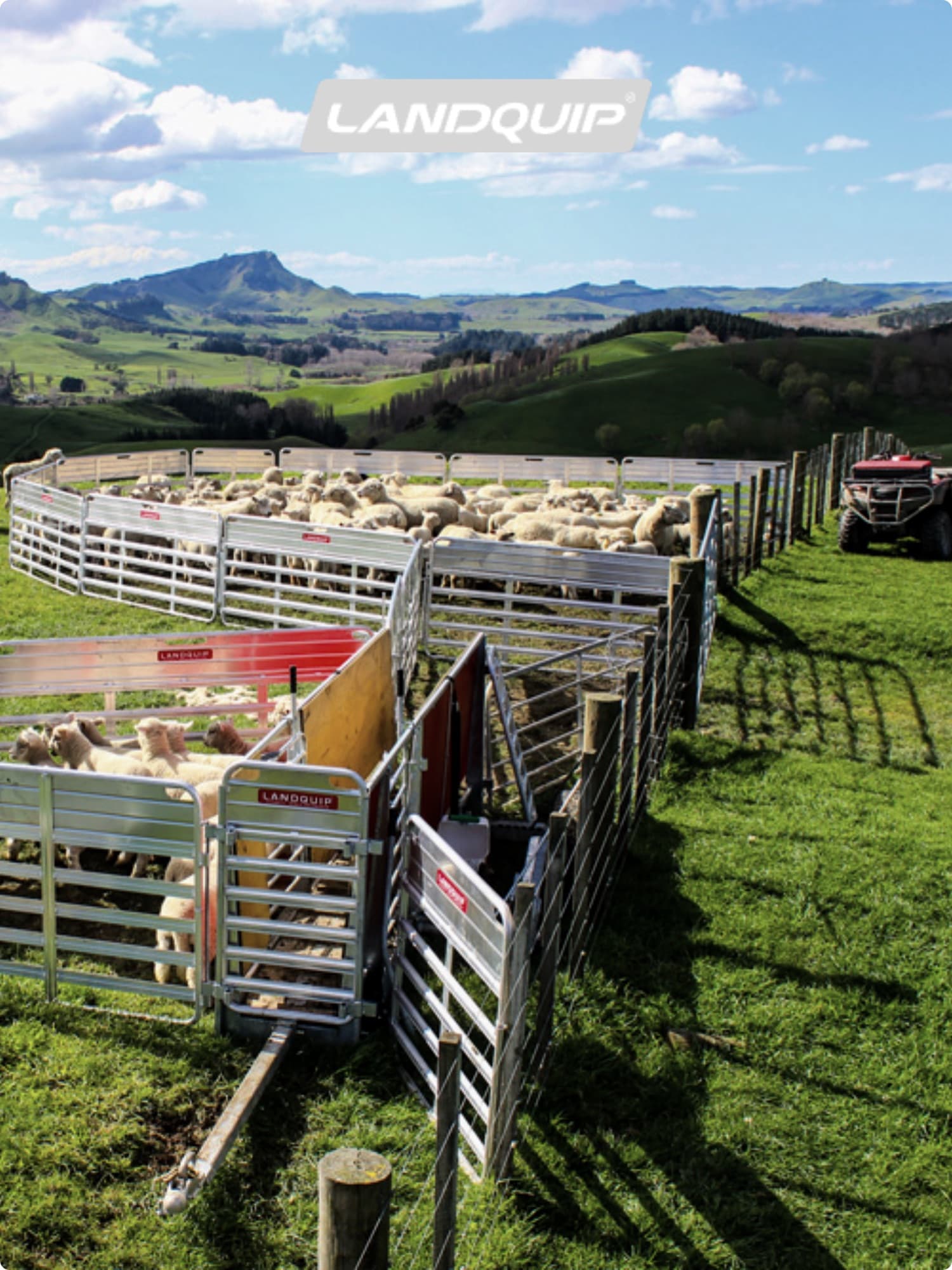
$67,500 Return on Investment
Landquip recovered $67,500 a year by replacing manual timesheets across 15 staff. Touchscreens on the floor cut manufacturing times 20% and downtime 50%.
Read the story6x Total Production Growth
Workshop displays paired with Empower let Makaira reshape their production line and cut non-value-added labour — driving a six-fold lift in total production.
Read the story
20% Less Time, 20% Less Cost
Nelson-built DNA custom trailer boats — every hull bespoke, every hour tracked. Empower cut labour times and costs 20% each across the workshop.
Read the story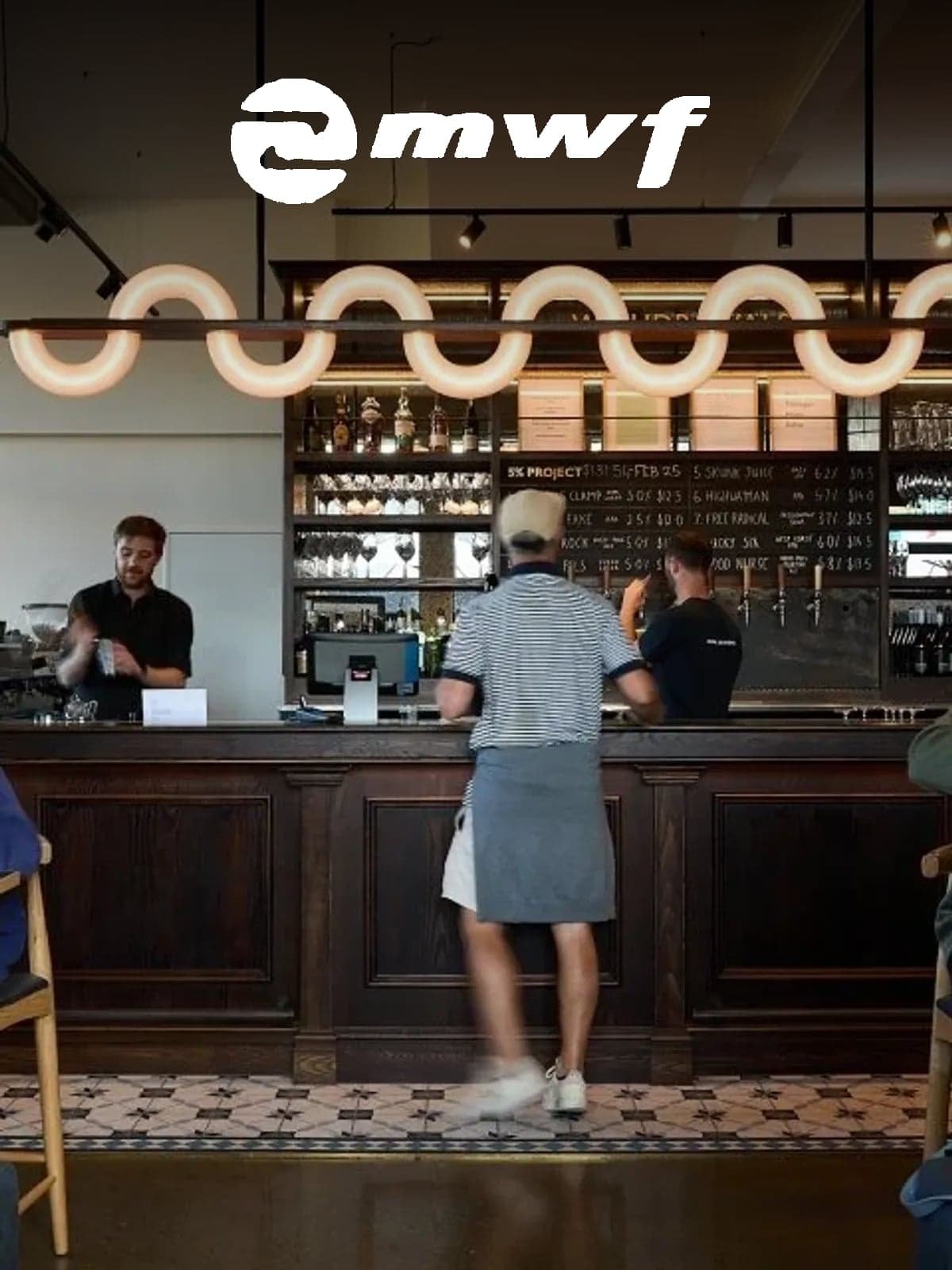
30% Increase in Factory Productivity
Christchurch commercial joinery specialists MWF build hospitality fitouts and bespoke interiors — a 30% factory productivity gain that lets them take on more of the ambitious briefs.
Read the story
20% Less Labour Time & Cost
Melbourne-based One 68 Shop Fitters deliver retail and commercial fitouts across VIC — Empower cut 20% off both labour time and labour cost per project.
Read the story
Best of Digital Manufacturing
Adelaide-based custom metal fabricators — architectural screens, commercial furniture, industrial parts — using Empower to run their floor with digital-manufacturing precision.
Read the story
10% Productivity in 4 Weeks
Wiri-based Sandbrooks build marine-grade windows for luxury motor yachts and workboats — a 10% productivity lift in the first four weeks on Empower, targeting 20%.
Read the story
World-Class Metal Fabrication
Hamilton stainless specialists building food-grade processing systems for a global market — the Waharoa sculpture on their doorstep is a signature of the fabrication capability Empower helps them run.
Read the story
~20% Less Time on Jobs
Auckland-based Smart Shelters engineers and installs fabric-covered farm shelters, riding arenas and industrial structures across NZ — putting Empower on the floor cut roughly 20% off job times.
Read the story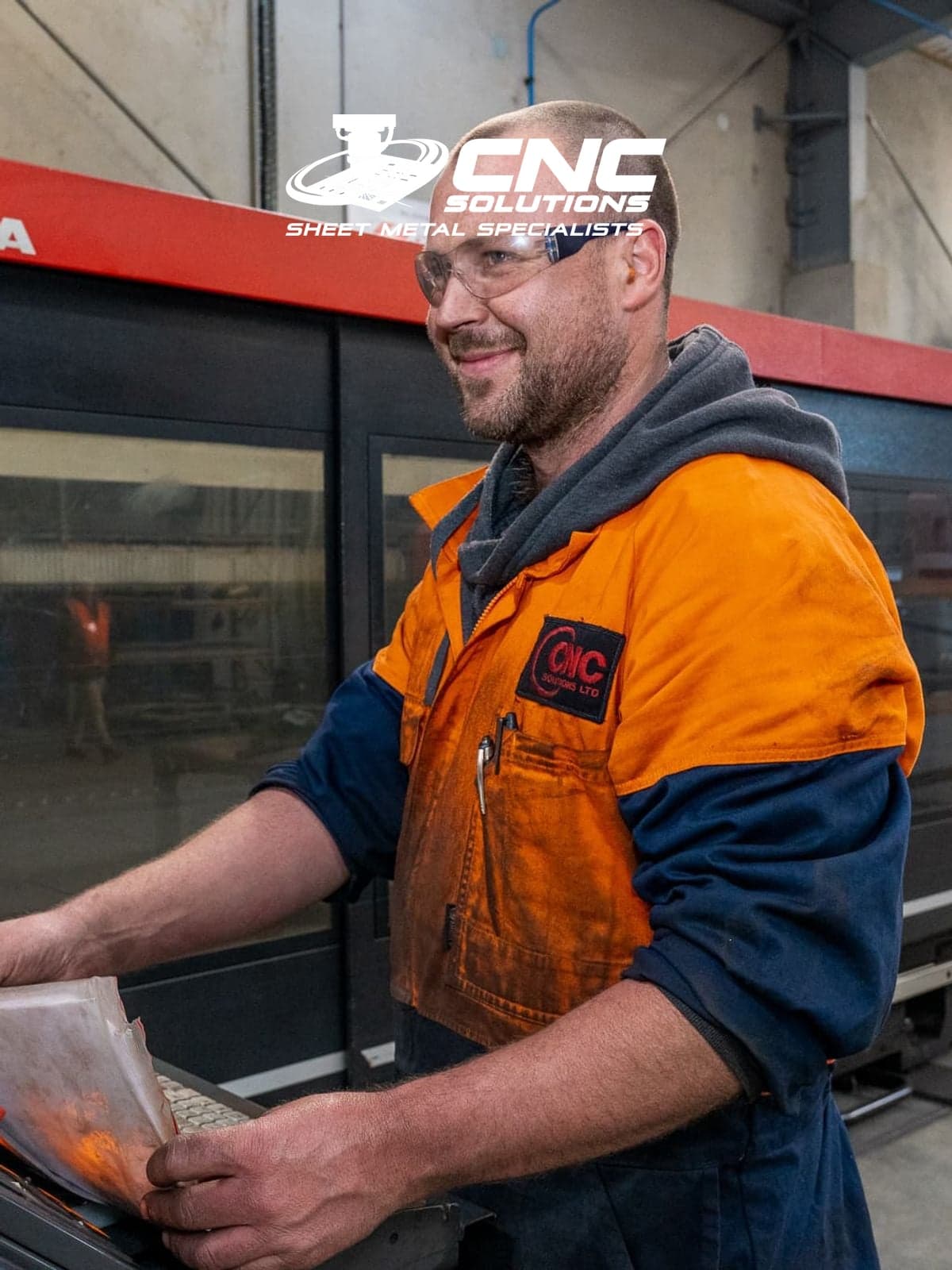
20%+ Less Time, 20%+ Less Cost
A Christchurch sheet-metal shop up against much bigger competitors — tablets on the floor and Empower cut labour time and cost per job by 20%+ minimum.
Read the story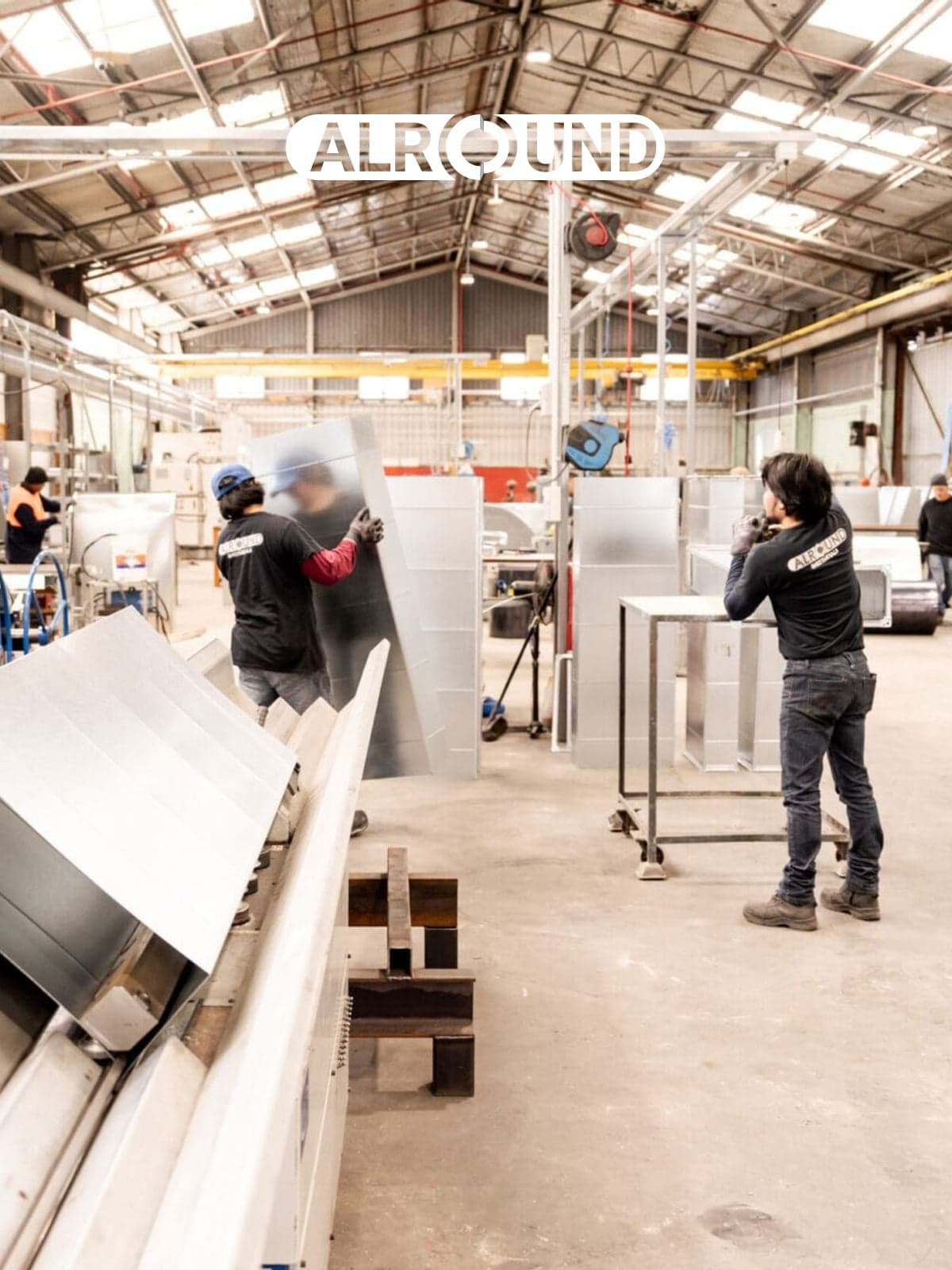
30–35% Factory Productivity
AlRound's Onehunga shop turns aluminium, stainless, mild and corten into ducting, flashings and custom enclosures for Auckland — and lifted factory productivity 30–35% by putting Empower on every station.
Read the story
30% Reduction in Job Costs
After comparing options nationwide and overseas, EDS chose Empower. Real-time visibility on times and jobs cut labour cost per job by an average of 30%.
Read the story20% Reduction in Labour Costs
Tricon use Empower for real-time transparency on job status, time on jobs, and labour cost — improving scheduling, sharpening future quotes, and stopping cost blowouts before they happen.
Read the story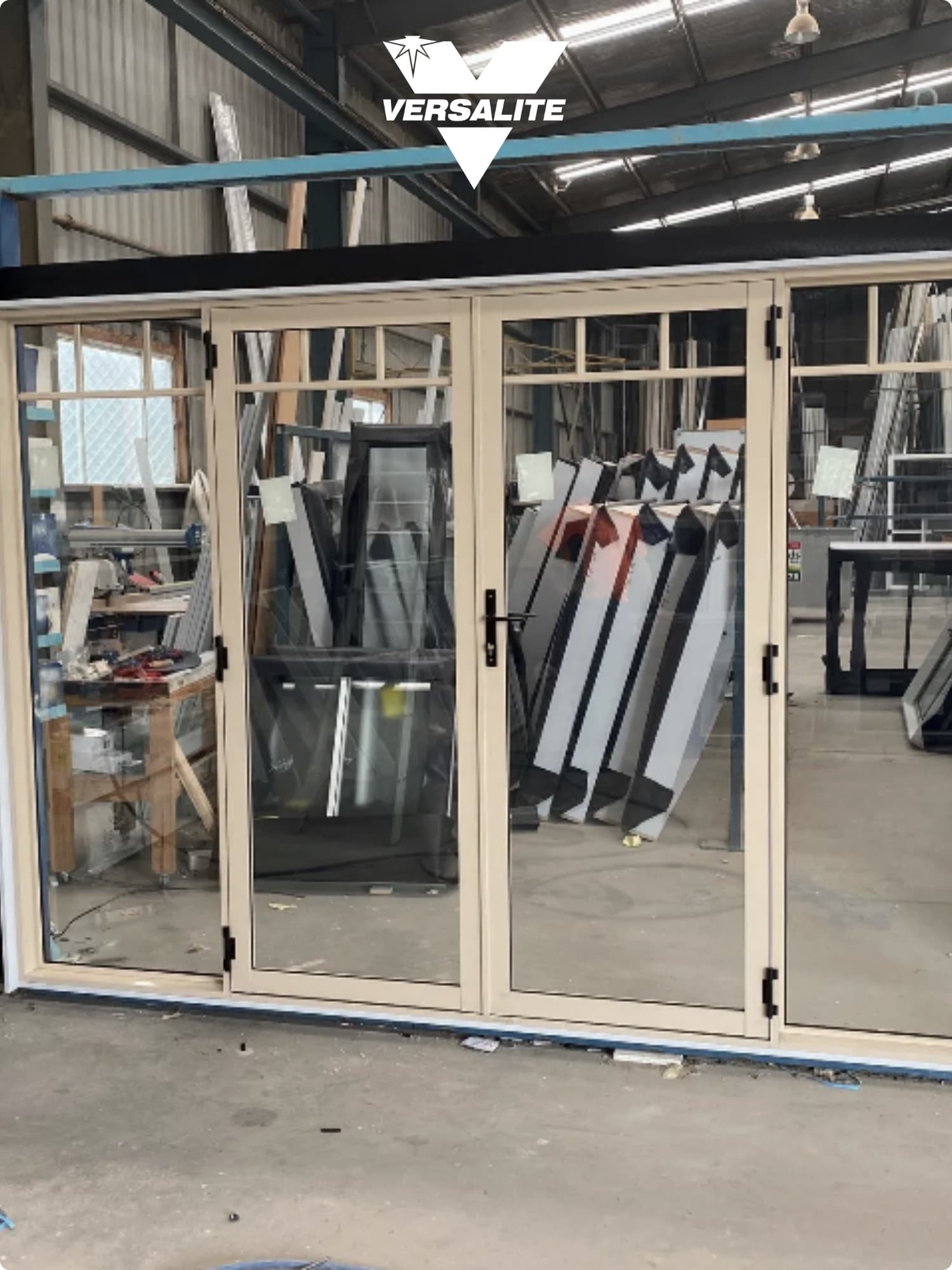
40% Increase in Productivity
13 years on Empower, $96,000 a year saved in wages, and a 40% lift in staff and factory productivity — Versalite use daily Empower reports to keep their single biggest production cost (labour) under control.
Read the story
38% Increase in Productivity
A world-class superyacht builder replaced paper-based tracking with Empower — instant feedback on job status and performance, and weeks of manual data entry shrunk to minutes.
Read the story25% Increase in Factory Productivity
By moving to a job-and-staff management system with the reporting depth to back it up, Strata achieved a 25% productivity lift in their first two years on Empower.
Read the story25% Reduction in Labour Times
Allflex integrated their SAP system directly with Empower — every new order instantly available for scheduling — and replaced manual spreadsheets with budgeted-time task plans. The result: a 25% reduction in labour times.
Read the story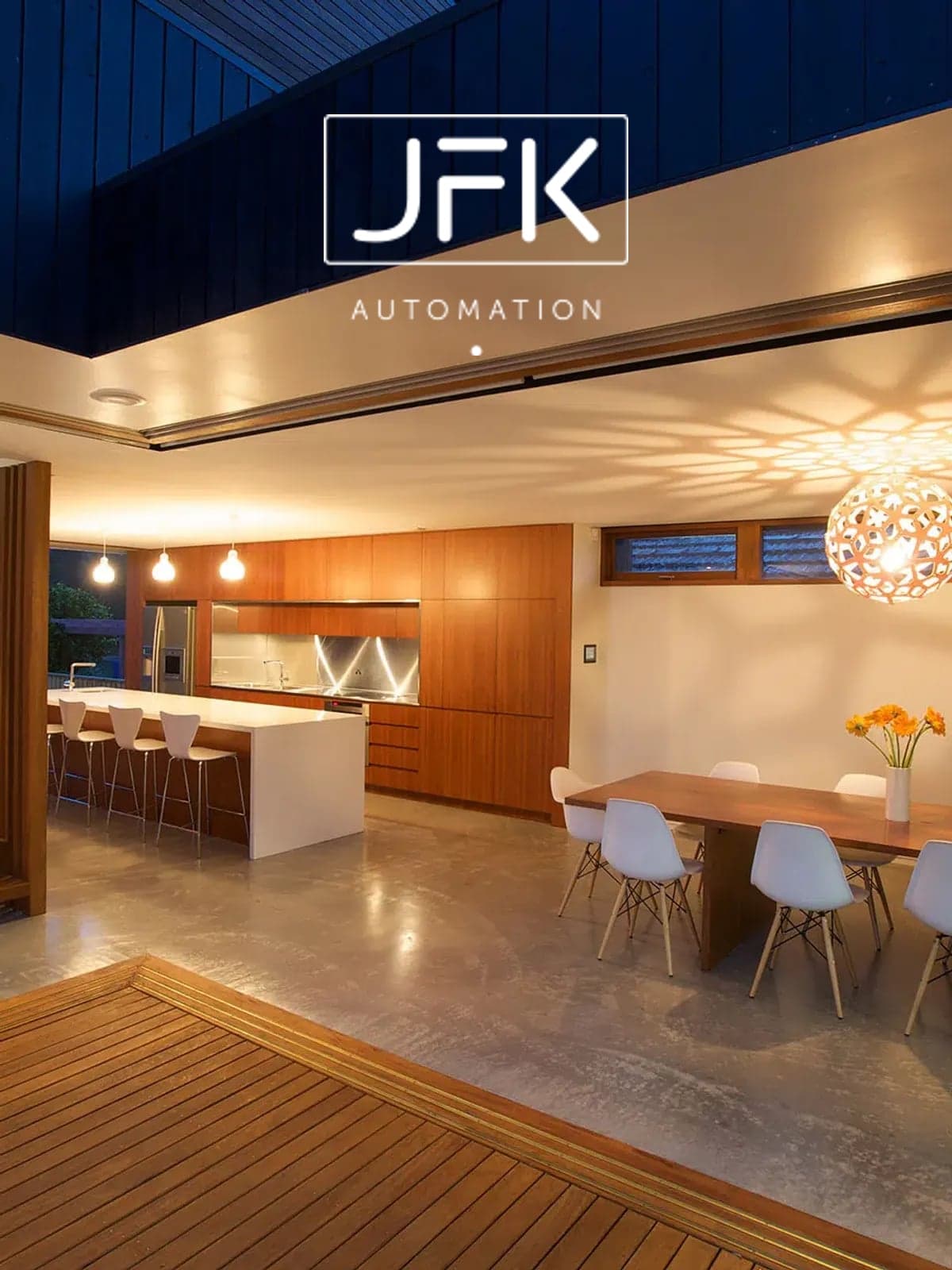
15–20% Less Time on Jobs
Melbourne joiners JFK Interiors design and build high-end kitchens and custom interiors — Empower cut 15–20% off job times across the workshop.
Read the story
First Look at Staff Time on Jobs
Narellan-based Harrington Kitchens went from no staff-time tracking to full visibility of every job — a fundamental shift in how the workshop is managed.
Read the story
65% Increase in Factory Productivity
Auckland's Jag Kitchens more than doubled what the factory could turn out — a 65% productivity lift powered by live time data across every stage of the build.
Read the story
33% Increase in Factory Productivity
Alexandra-based joinery specialists building bespoke timber interiors — a 33% factory productivity gain after putting Empower on the shop floor.
Read the story
~30% More Production Daily
New Plymouth kitchen builders Elite Kitchens estimate they'd lose ~30% of their daily production if Empower ever came off the floor — a decade of live time data is that load-bearing.
Read the story
25% Increase in Factory Productivity
Tauranga-based Gartshore Group deliver large commercial fitouts — like the Skippers bar at Tauranga Airport. A 25% factory productivity gain keeps the schedule on track across complex builds.
Read the story46% Productivity Increase in 10 Weeks
Ten weeks in, factory productivity was up 46%. Three years on it had doubled — gains that compounded into roughly $200k a year in extra profit.
Read the story
28% More Kitchens, $80k/yr Saved
PCs on the factory floor at Total Kitchen Solutions in Mt Gambier turned into 28% more kitchens per month from the same team — and $80,000 a year back on the wage bill.
Read the story
24% Productivity Lift, ~$190k/yr Saved
Fifty-plus years designing and building custom kitchens in Timaru — Barrett Joinery hit a 19% productivity gain in year two on Empower and 24% by year four, worth roughly $190,000 a year in wages.
Read the story
38% Productivity Increase
Same weekly output, fewer hands: the floor shrank from 25 to 18 staff and productivity climbed 38% — plus a meaningful annual wage saving.
Read the story
20% Faster Kitchen Manufacturing
Live, accurate time data on workshop screens makes every kitchen maker accountable — Montage estimate they'd go back to taking 20% longer to manufacture their kitchens without Empower.
Read the story25% Factory Productivity Increase
More production out the door each day — same staff, same hours. Halswell Timber's production manager credits Empower with a 25% lift, which translates directly to 25% more daily revenue.
Read the story
20% Factory Productivity Increase
Continental Stairs saw an immediate 20% productivity lift in their first year — by handing their floor staff the reporting tools to manage their own times and bring jobs in on budget.
Read the story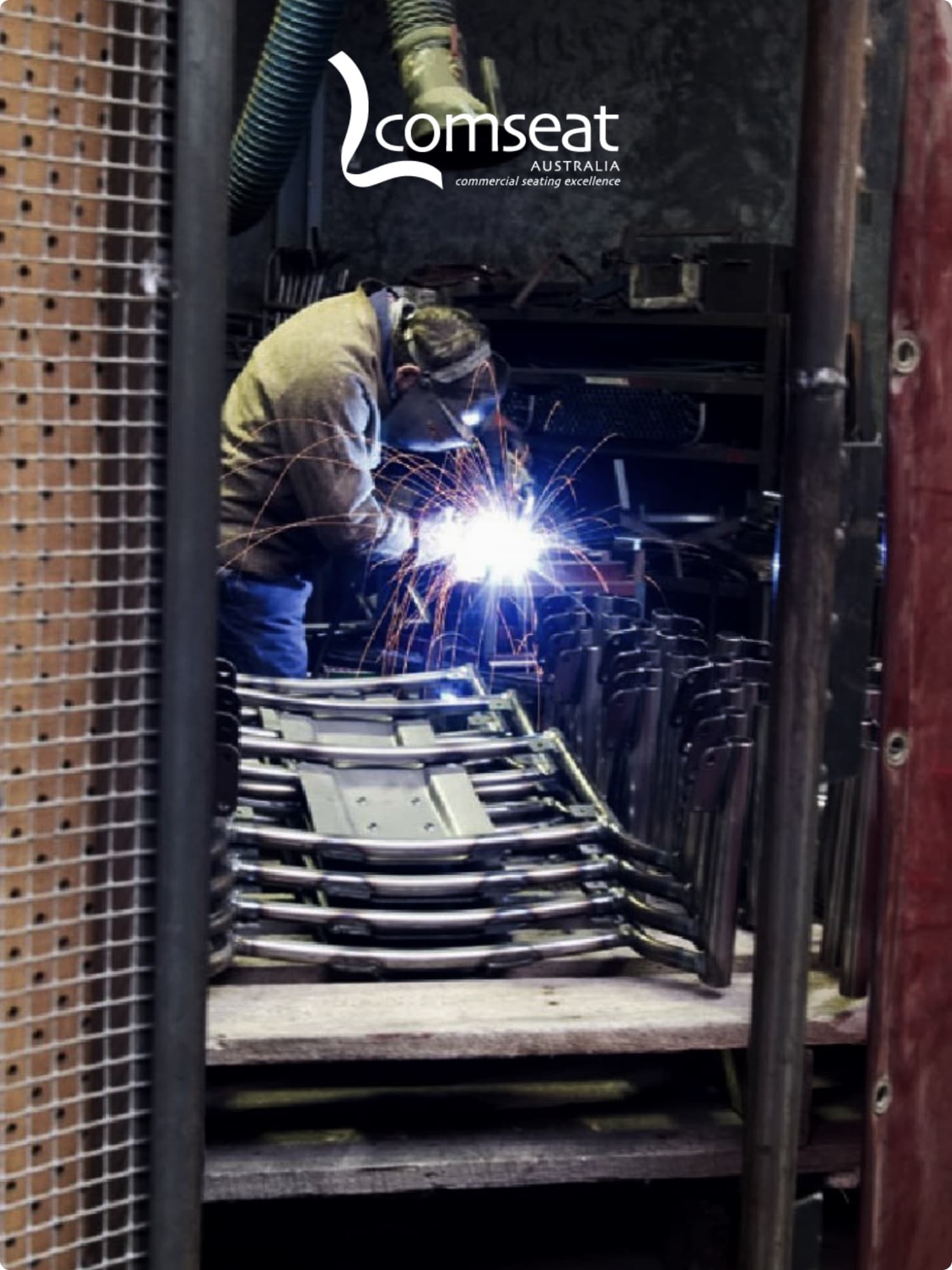
$120k Saved in Employee Wages
Comseat lifted weekly output while shrinking the floor by two full-time roles — turning the workshop into a high-margin revenue engine where every hour of labour is accounted for and profitable.
Read the story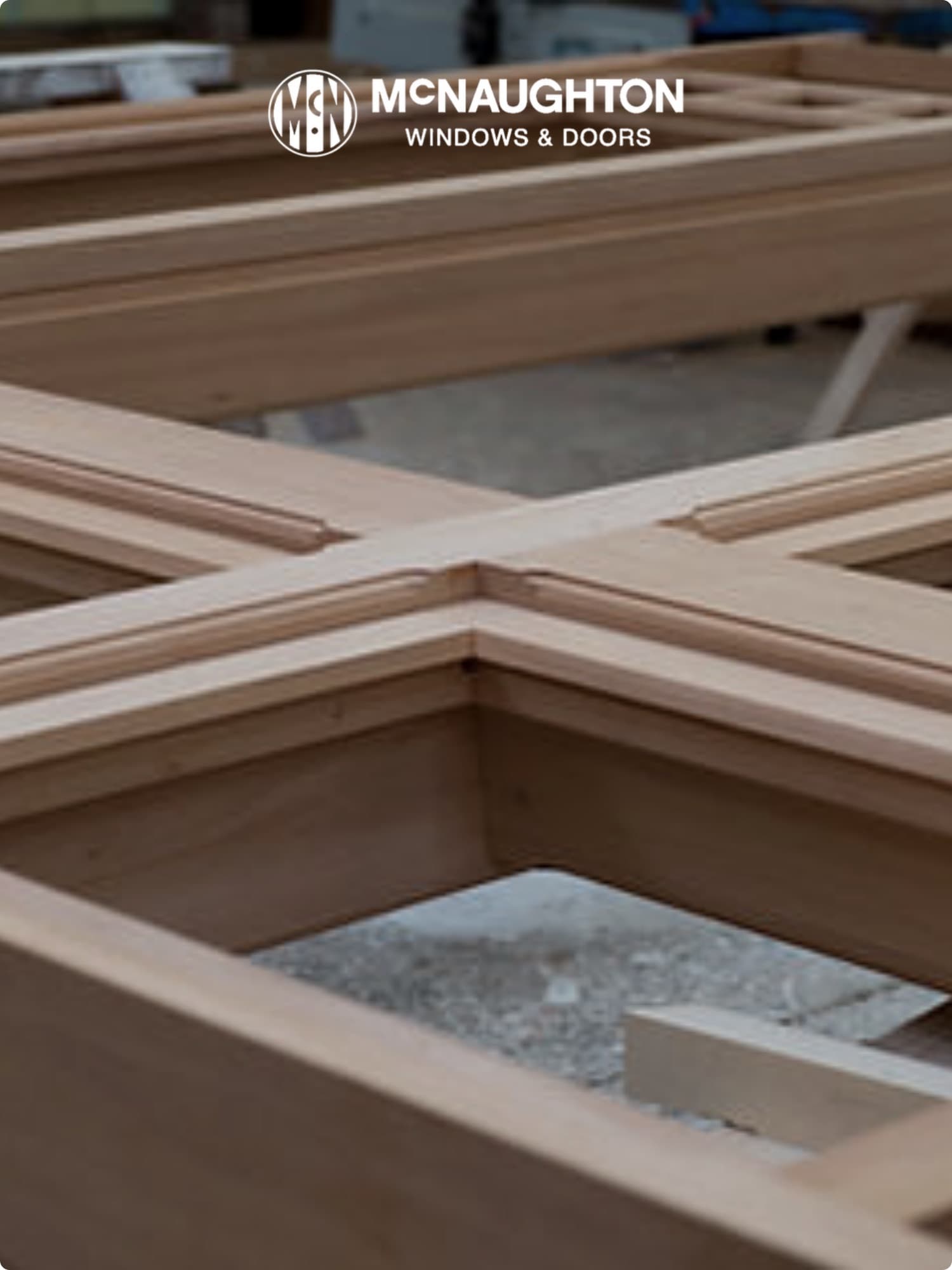
20% Reduction in Job Times
Digital job tracking gave McNaughton's a live, minute-by-minute view of which staff are on which jobs — eliminating manual status checks and keeping every job on its budgeted timeline.
Read the story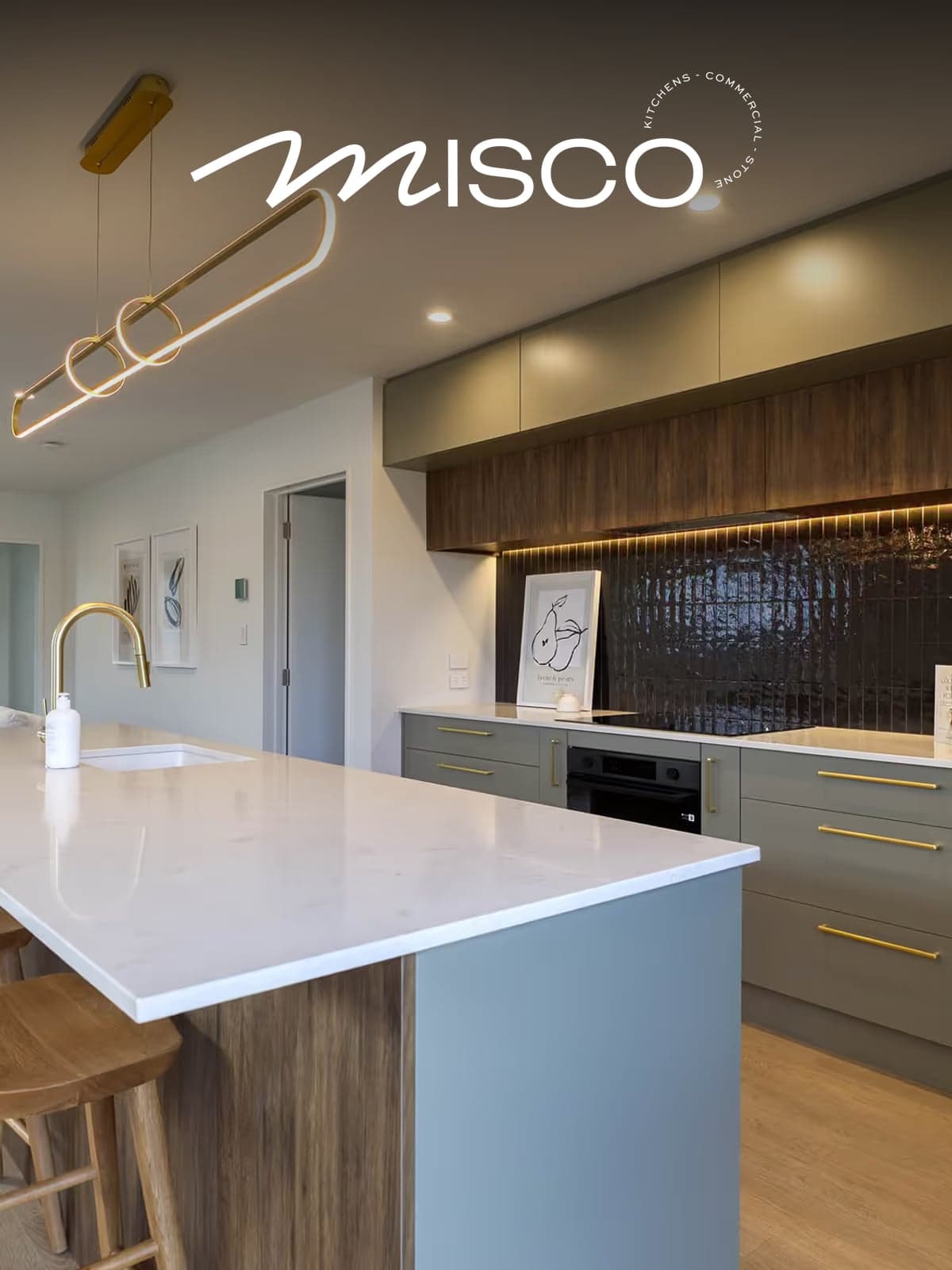
20% Increase in Factory Productivity
Christchurch joinery running Empower and workshop touchscreens for nine years — 20% productivity gain held and ~250% revenue growth over the same period.
Read the story
Live Visibility of Every Job
Christchurch premium kitchen and joinery makers — Empower runs the production management alongside their growth, keeping margin visible on every job.
Read the story
20% Less Time, 20% Less Cost
Auckland cabinetmakers running Empower since 2009 — 14+ years of live time tracking, 20% out of both labour time and labour cost.
Read the story
15% Increase in Factory Productivity
Sydney joinery running Empower for four ingredients: real-time reporting, minute-accurate times, task-level job data, individual staff involvement — 15% productivity gain.
Read the story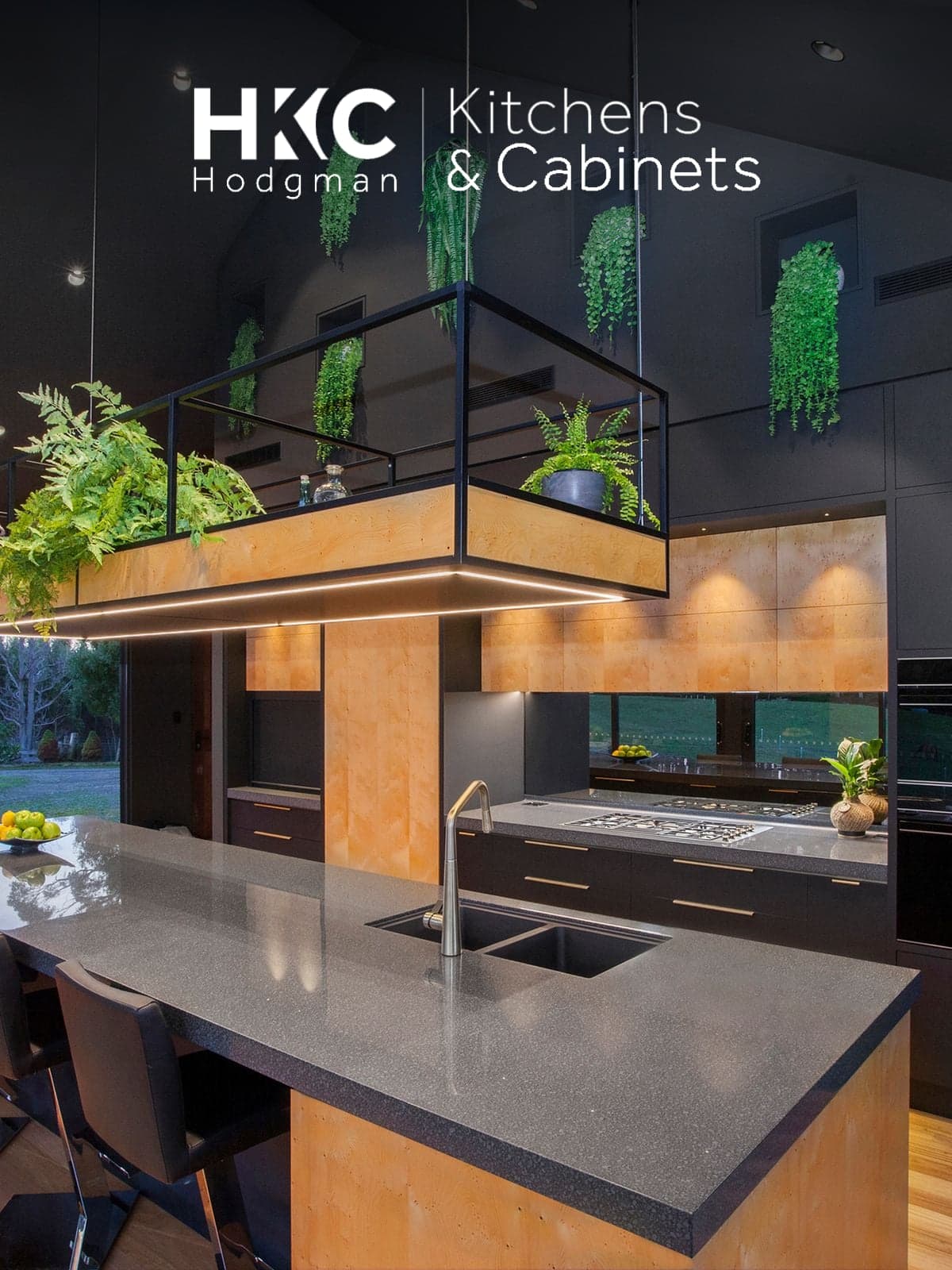
20% Increase in Factory Productivity
Launceston kitchen and joinery specialists — Empower lifted factory productivity 20%, held steady across the Tasmanian operation.
Read the story
30% Less Time, 30% Less Cost
Adelaide carpentry and joinery — Empower reshaped the staff culture around jobs and time, driving a 30% cut in labour time and cost.
Read the story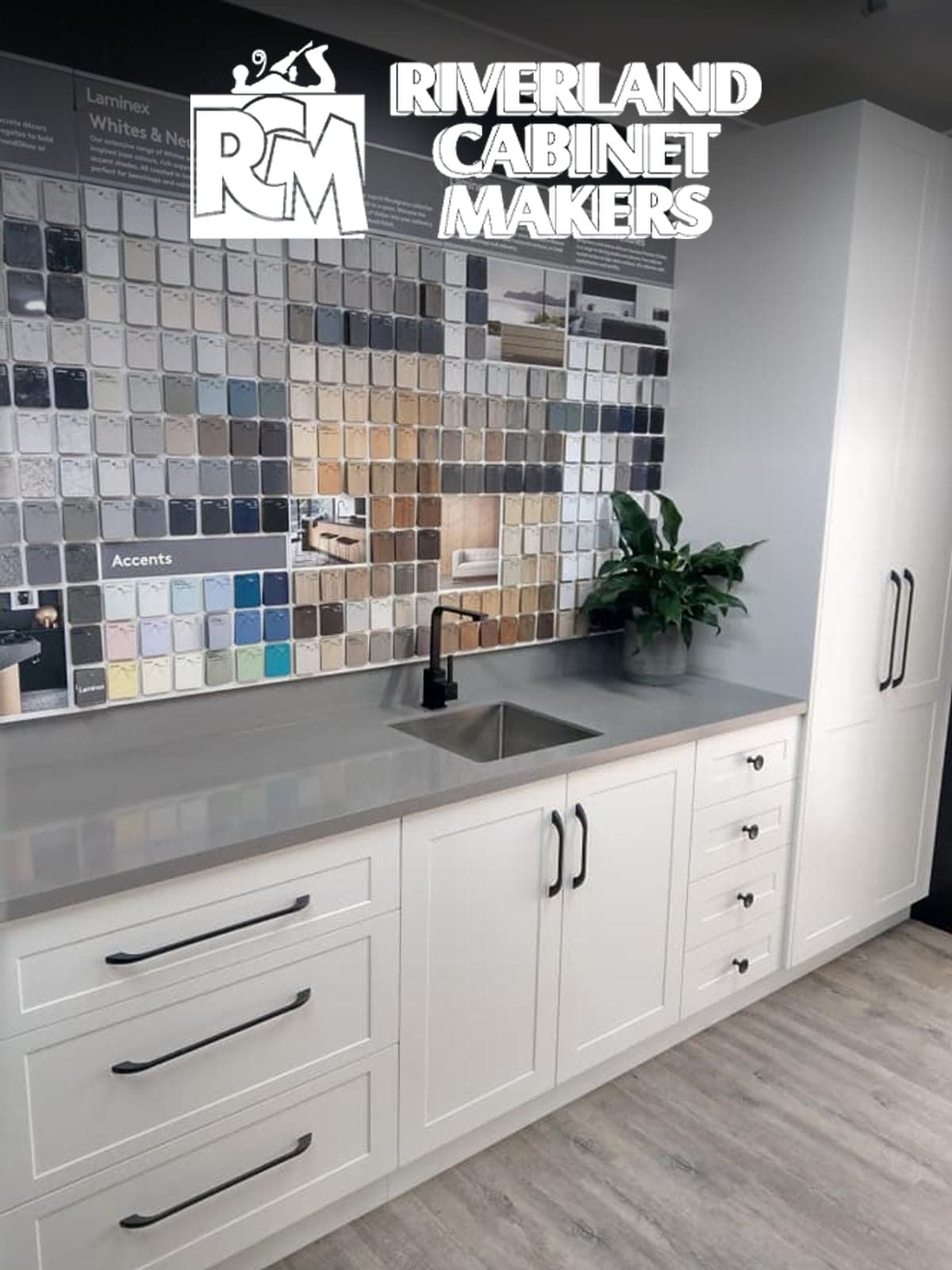
66% Increase in Factory Productivity
SA Riverland cabinetmakers — Empower let them hold weekly production with 40% fewer factory staff. That's a 66% productivity increase.
Read the story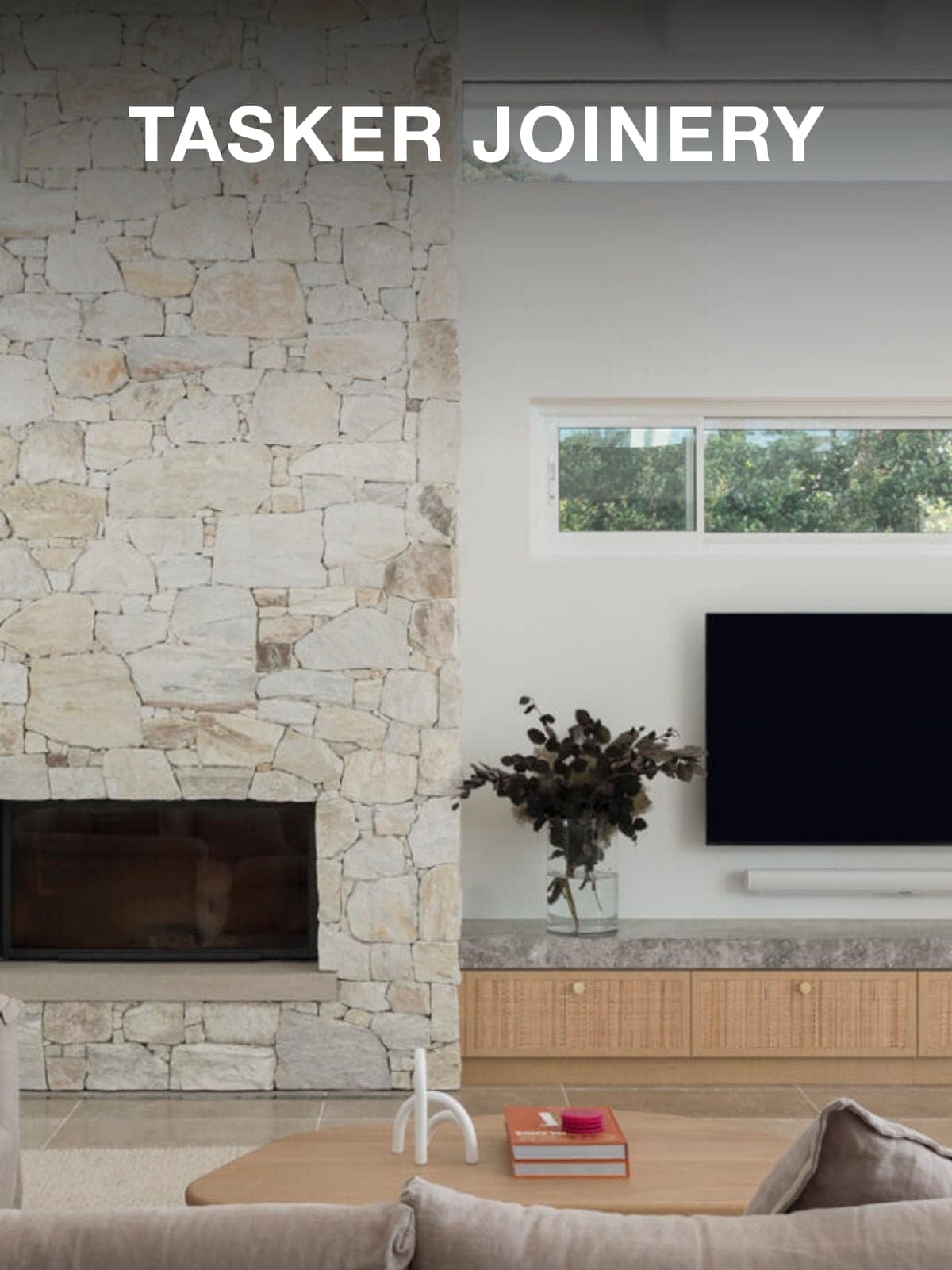
20% Increase in Factory Productivity
Sydney commercial joinery — 20% more joinery out the door each month with the same staff. Their consultant estimated the profit lift at ~$220,000/yr.
Read the story
Bottom-Line Gains, Banked From Day One
Wellington commercial furniture makers — Empower banked bottom-line gains from the first year and kept adding value for eight years running.
Read the story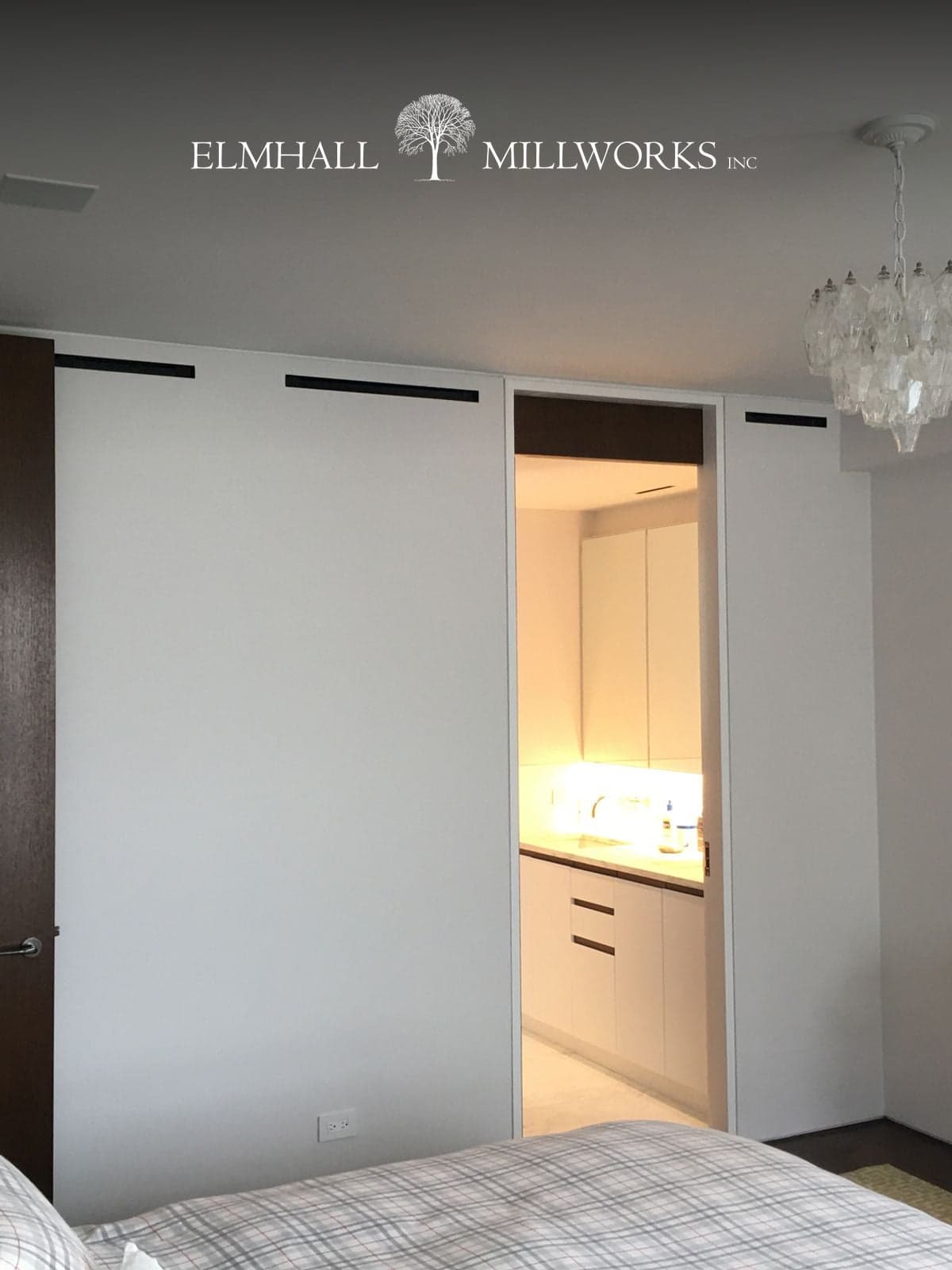
Real-Time Issues, Real-Time Fixes
New York millworks — Empower dashboards on 50-inch TVs in the office and workshop show issues live so they get fixed live.
Read the story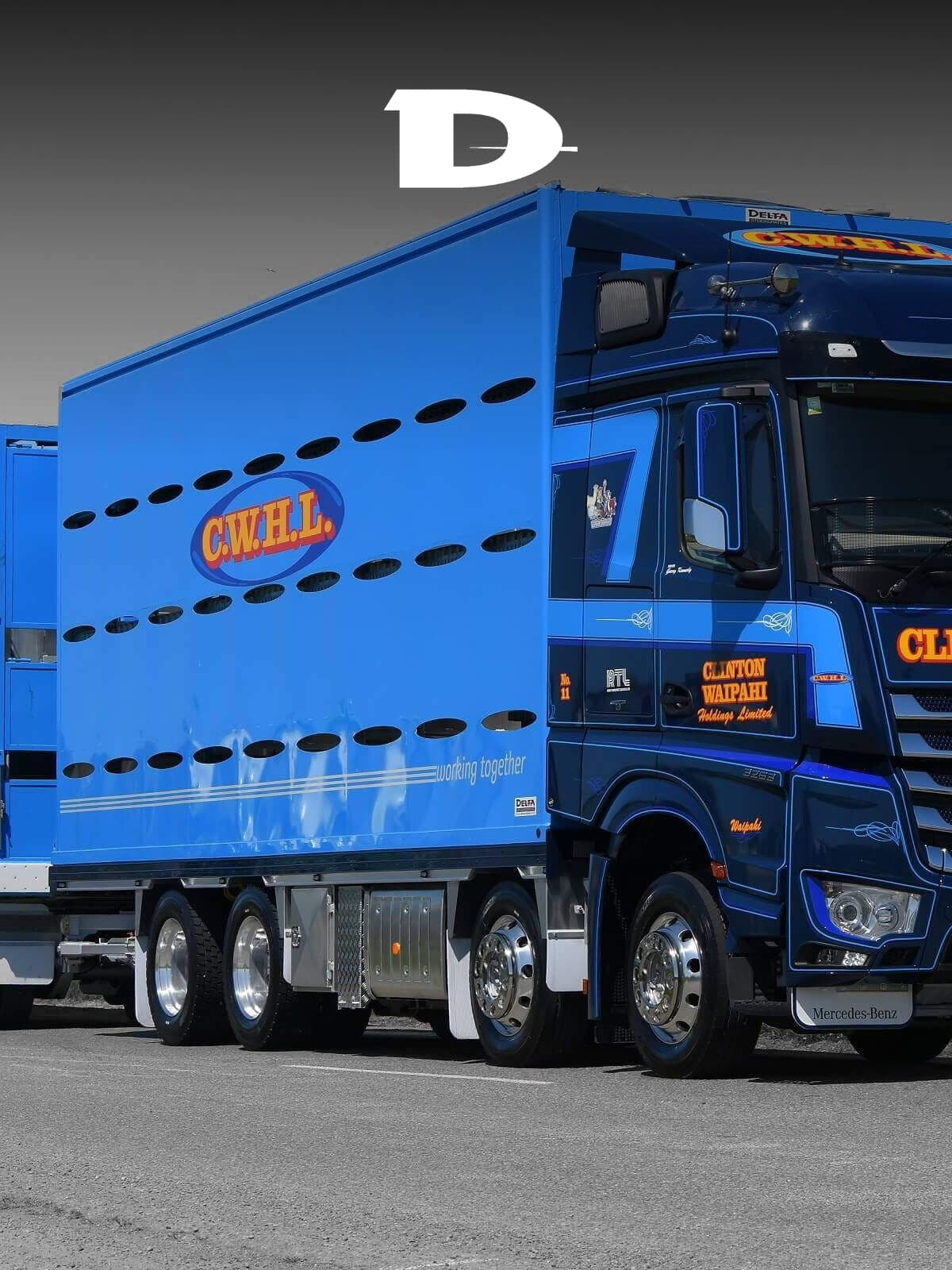
10% Increase in Factory Productivity
Feilding-based stock crate builders — Empower captures live manufacturing data, driving a 10% productivity gain even without using every module.
Read the story
~20% Less Time on Jobs
QLD truck body builders — Empower on workshop touchscreens replaced manual time sheets and cut ~20% of the labour time out of every job.
Read the story
20-30% Less Time, 20-30% Less Cost
WA agricultural equipment manufacturer — Empower took 20-30% off both labour time and labour cost across the range.
Read the story
40%+ Productivity in 3 Months
Timaru ag equipment manufacturer — Empower delivered a 40% factory productivity jump in the first three months.
Read the story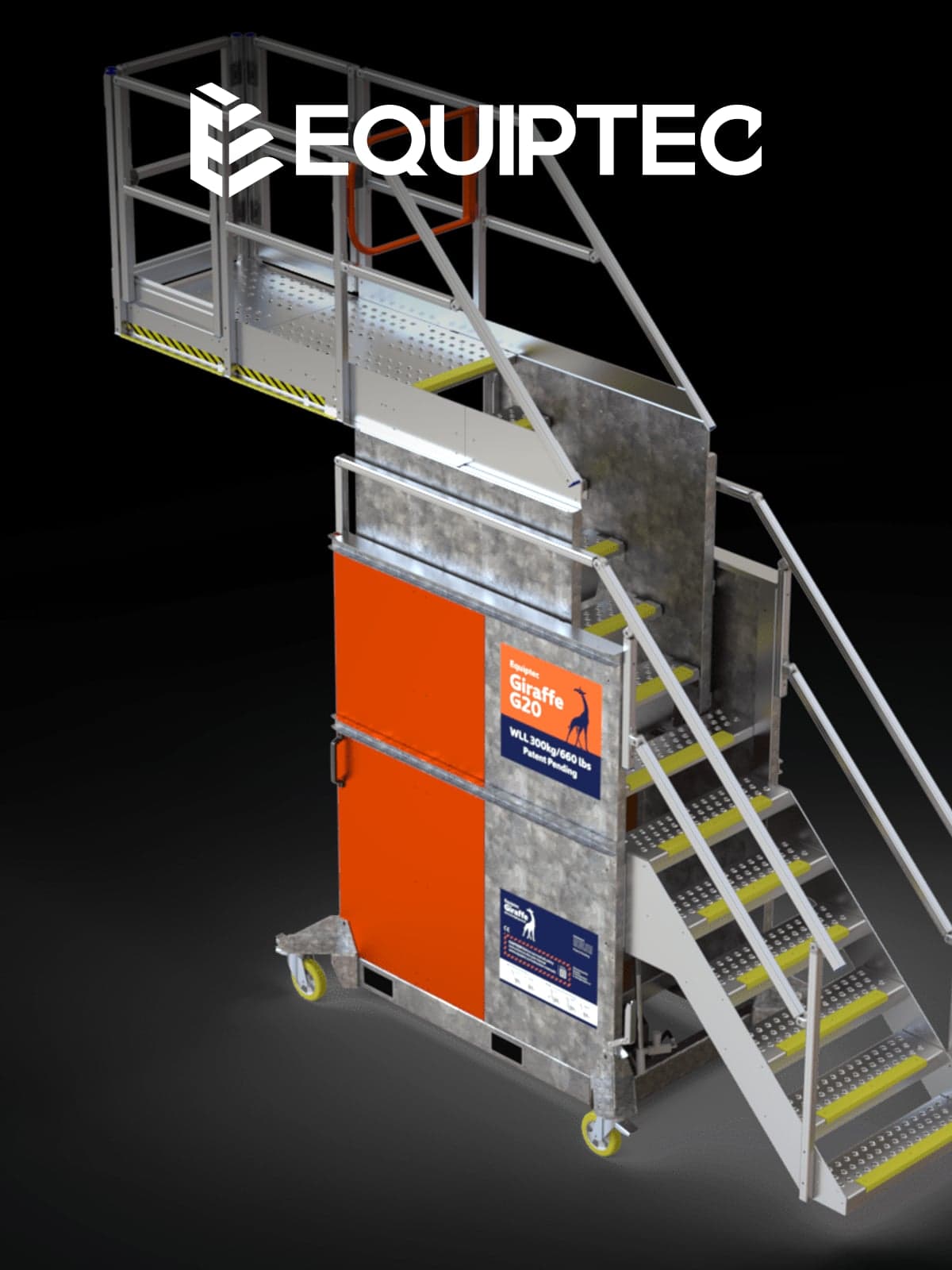
10% Less Time, 10% Less Cost
Napier industrial equipment manufacturer — tablets on the floor plus Empower gave workshop staff target times to beat, dropping 10% off both labour time and cost.
Read the story
15% Increase in Factory Productivity
Dry Creek equipment specialists — Empower replaced time-punching machines with live tablets, driving a 15% productivity lift by showing budget vs actual as work happens.
Read the story
~25% Less Time on Jobs
Wellington sheet metal specialists — 24-inch touchscreens on the workshop floor and Empower on every station, planning a conservative 25% cut in labour time on jobs.
Read the story
Empower Is a Sound Investment
Northland laminate and bench-top specialists — Empower keeps them productive enough that the owner doesn't want to work without it.
Read the story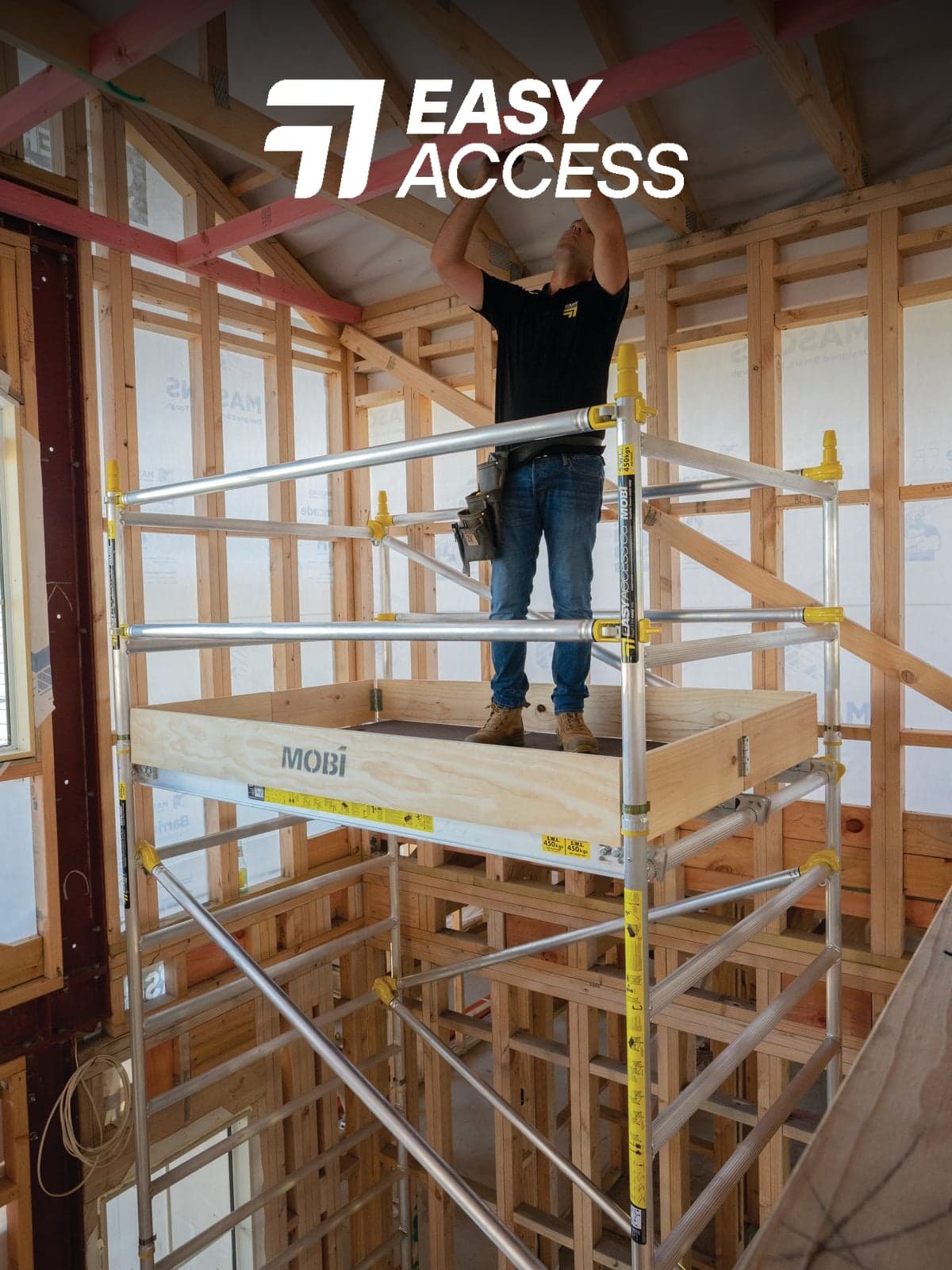
25% Increase in Factory Productivity
Northland-based access equipment manufacturer — costed times, staff accountability, month-to-date productivity tracking. 25% factory productivity gain on Empower.
Read the story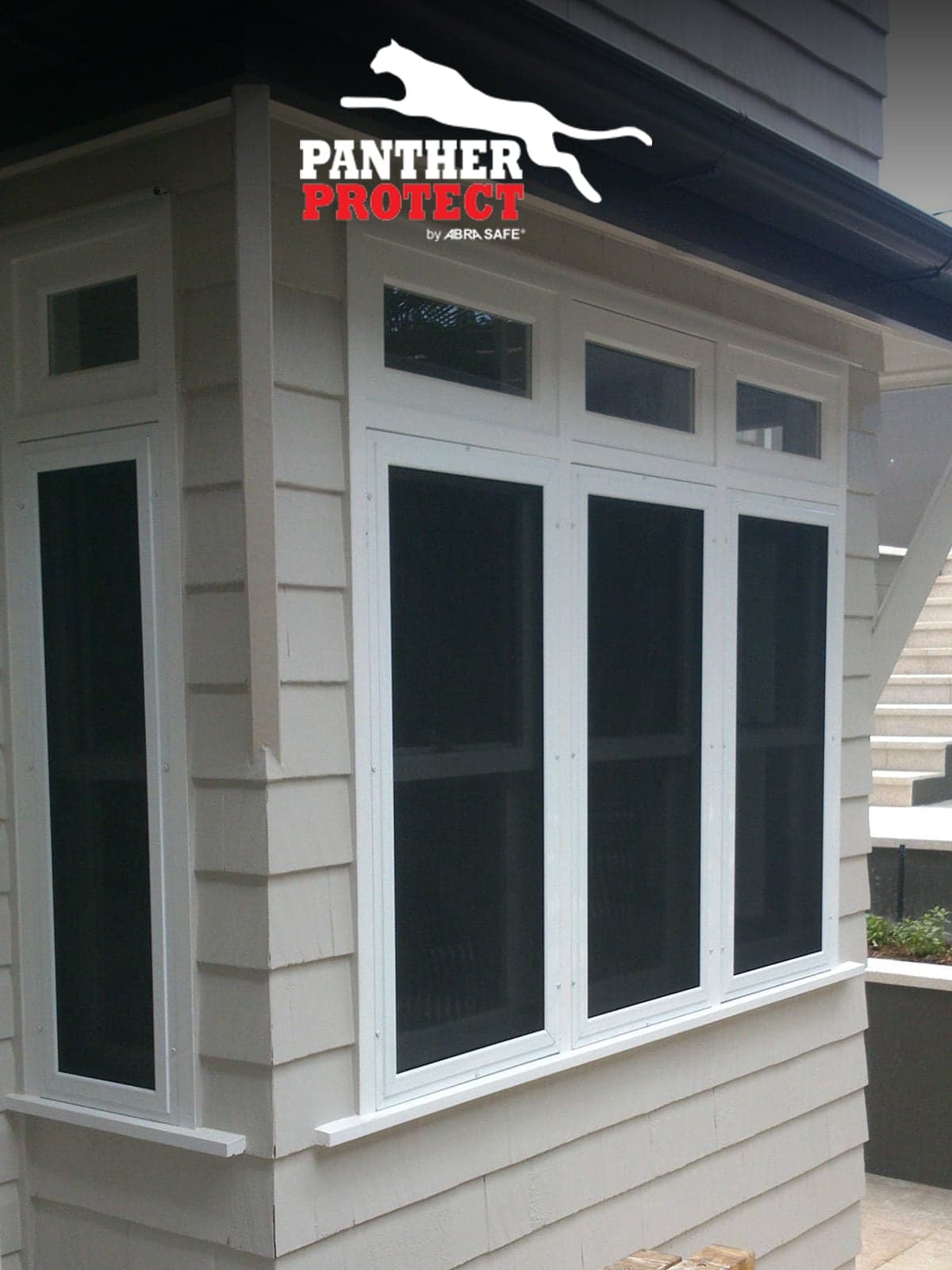
40% Reduction in Labour Time & Cost
QLD external-blinds and security-screen manufacturer — Empower on track for a 40% labour reduction, plus eliminated overtime and reduced downtime.
Read the story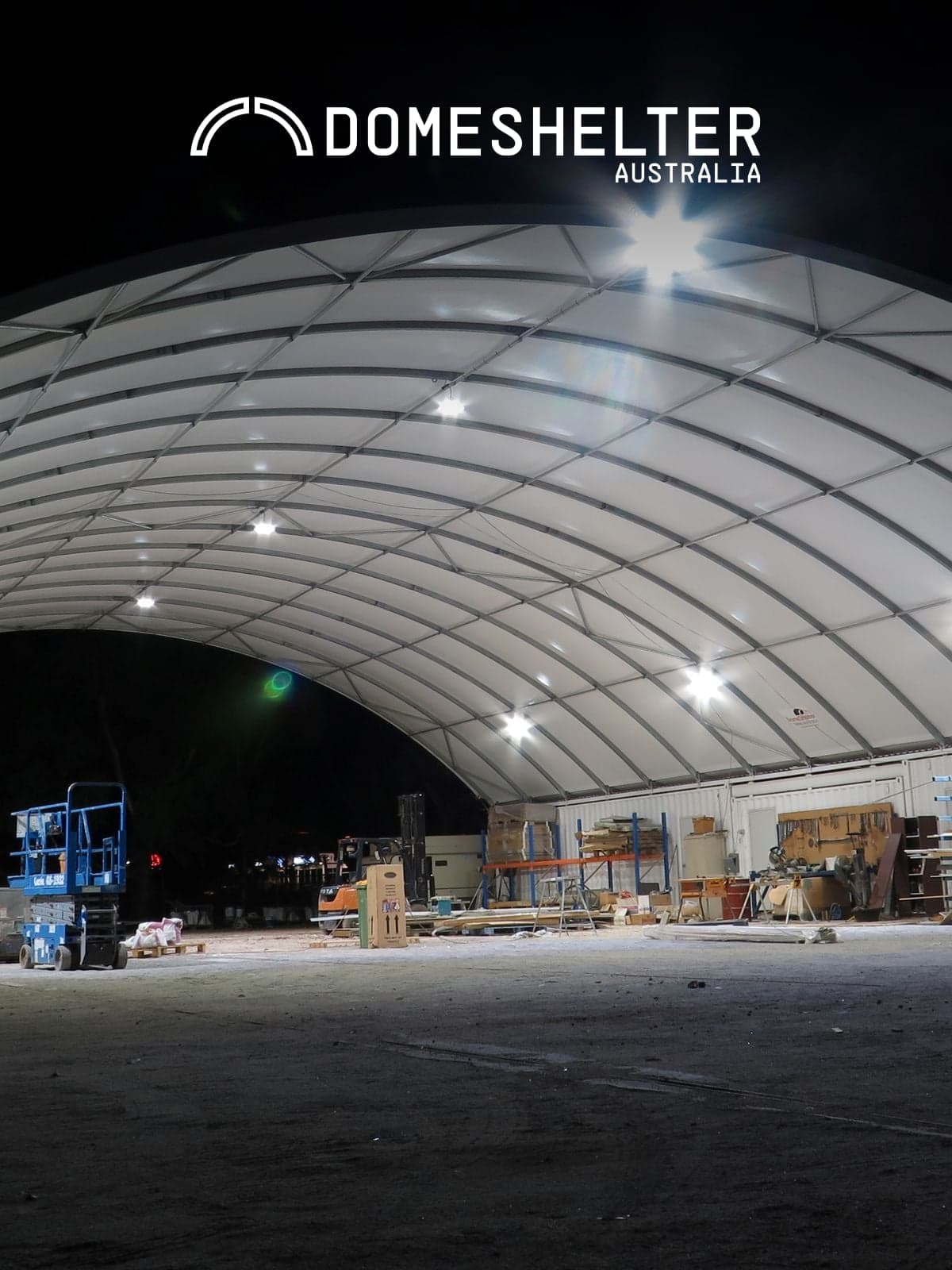
Budget vs Actual, On Every Job
WA fabric-and-steel shelter manufacturer — Empower gave staff live budget-vs-actual visibility, changing how the workshop challenged its own times.
Read the story
Live Workshop Data Across 70 Staff
Pukekohe motorhome and caravan builders — 90 motor homes a year, $250-350k each, 70 staff. Tablets on the workshop floor and Empower App keep every build costed live.
Read the story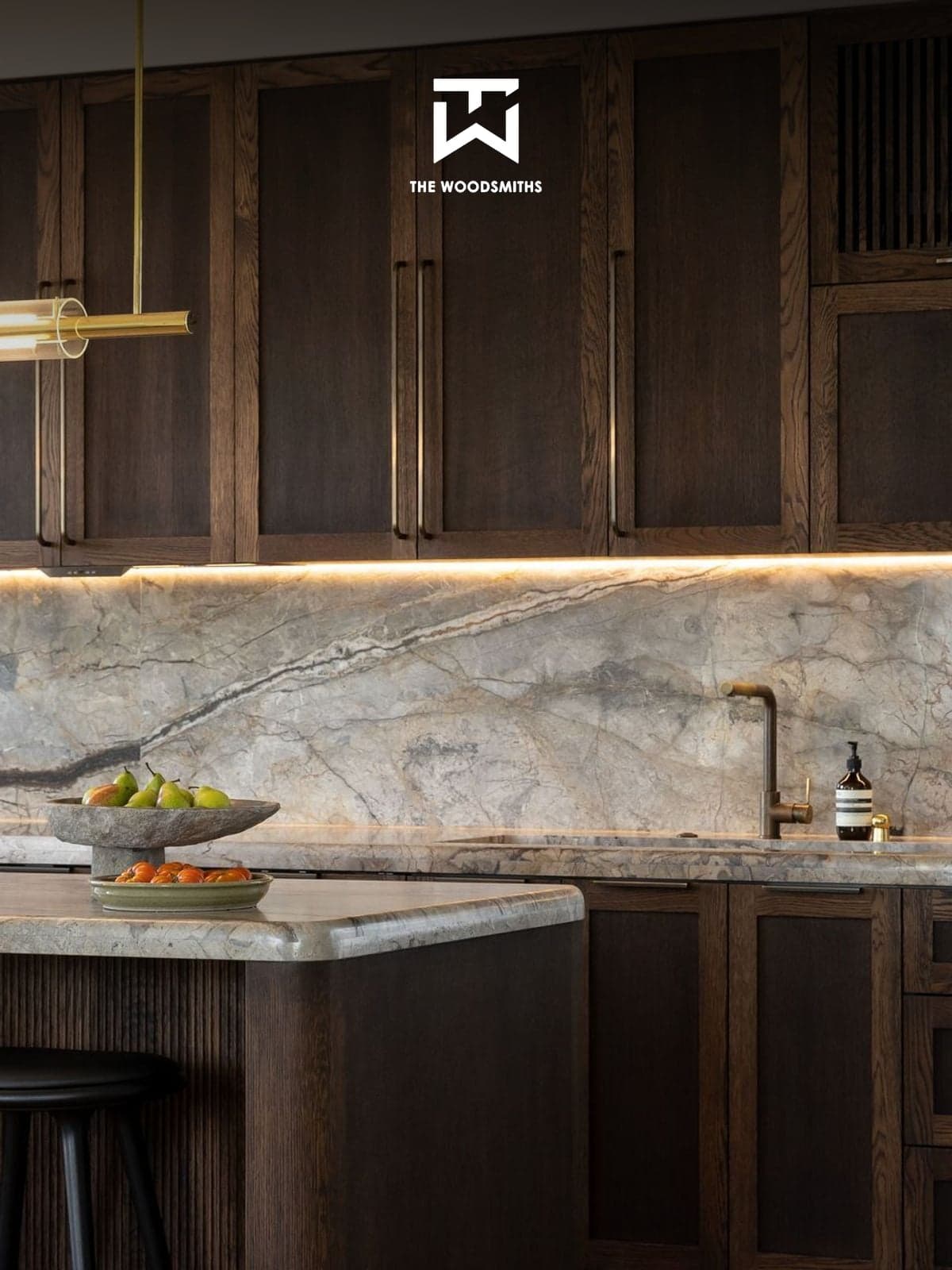
20% Longer / 50% More Unproductive Time if Removed
Northland joinery — 15 years on paper, then punch cards, now Empower. Going backwards to either would cost 20% longer jobs and 50% more unproductive time.
Read the story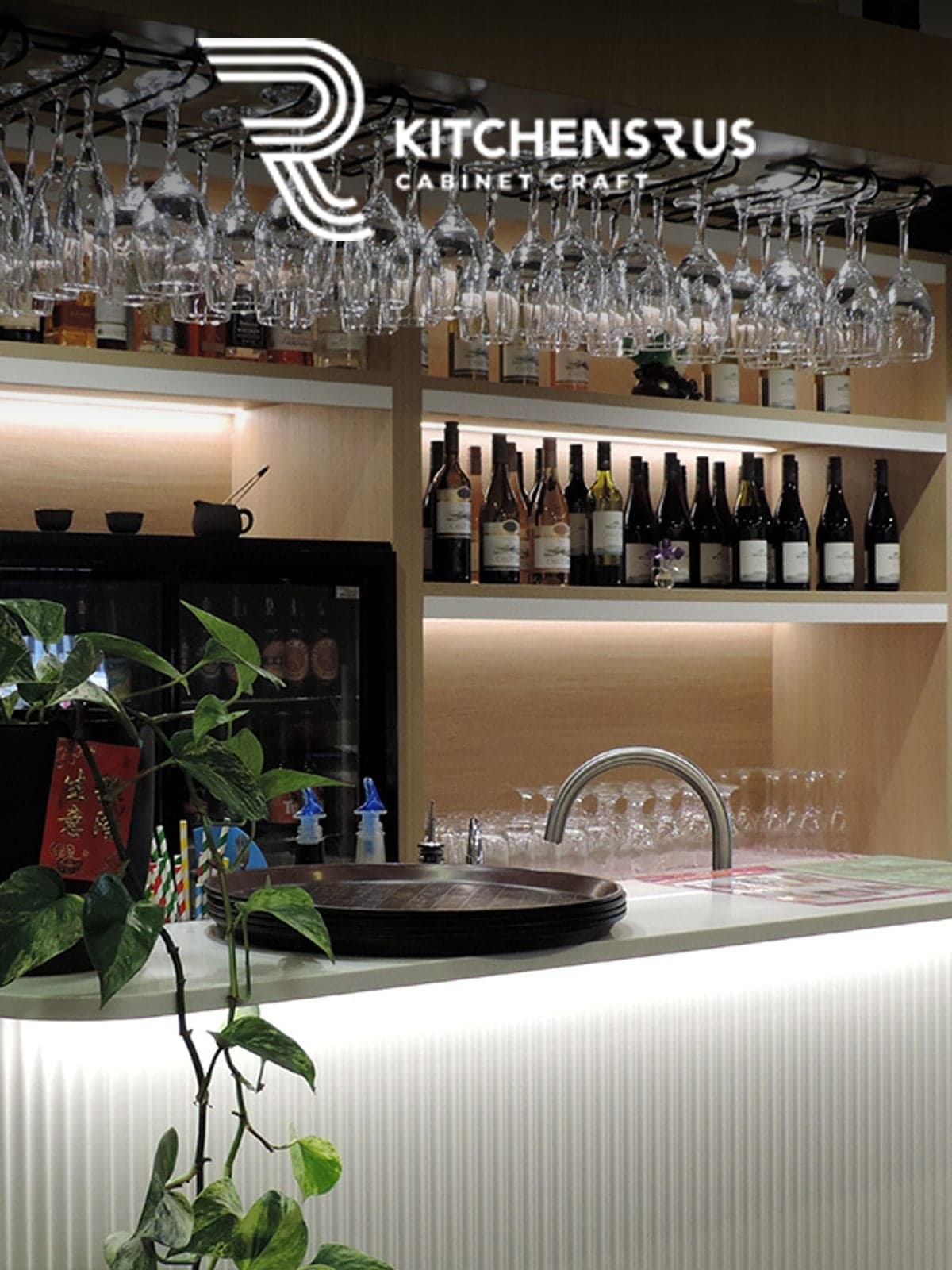
40% Productivity Gain, $120,000/yr Saved
Tauranga kitchen makers — grew turnover, cut 2.5-3 staff, saved $120,000/yr in wages, and haven't missed an install date in 7 years on Empower.
Read the story
20% Less Time, $20k/yr Admin Saving
Napier joinery ran manual time sheets in parallel with Empower for a month — the accuracy gap shocked them. 20% less time on jobs, five hours a week of admin gone.
Read the story
20% Longer / 20% More Cost if Turned Off
QLD kitchen makers — Empower replaced 'dinosaur' manual systems and the companywide chaos they created. Going back would mean 20% longer jobs at 20% more cost.
Read the story
~10% Less Labour Time, Full FTE Saved in Scheduling
Australia-wide industrial pump specialists — Empower + MYOB Exo interface saves practically a full-time scheduling role while cutting 10% labour time on jobs.
Read the story
35% Increase in Factory Productivity
Masterton casket craftsmen — Empower delivered a 35% factory productivity gain across a workshop where quality and dignity aren't negotiable.
Read the story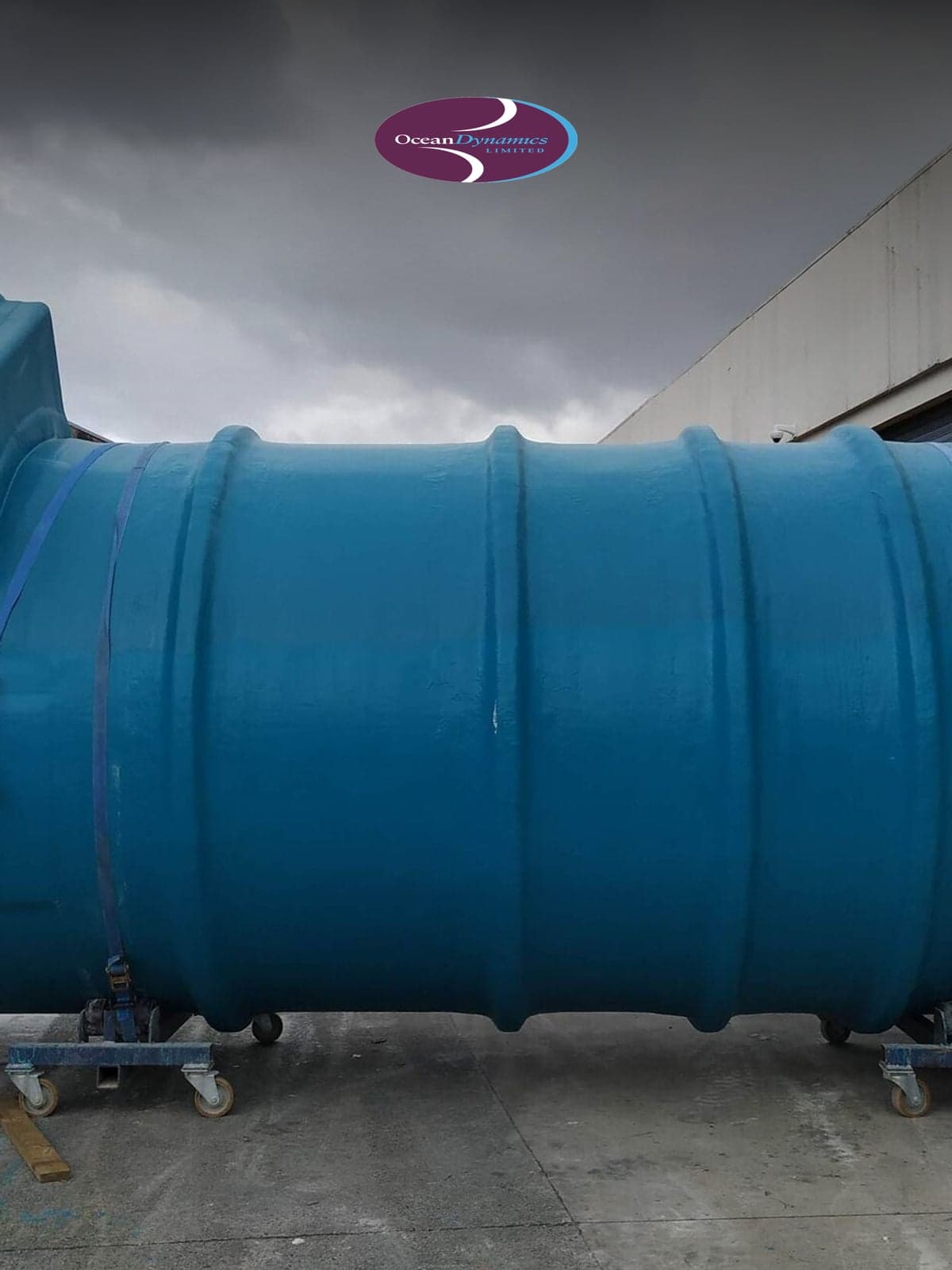
Staff Much More Aware of Times on Jobs
Tauranga fibreglass and composite specialists — PCs on the workshop floor and Empower have made all 10 workshop staff visibly time-aware.
Read the story25% Faster Average Job Times
A 10-person sheet metal shop grew to 200 staff and $15M+ revenue without losing grip on margin — live time tracking on the floor cut average job times by 25%.
Read the story30% Reduction in Labour Times
Manta Marine swapped manual tracking for live visibility of every task — labour hours per job dropped 30% immediately, and they say costs would jump straight back if they turned the system off.
Read the story30% Increase in Productivity
Compass replaced manual systems with live floor visibility — letting management identify bottlenecks and keep staff on the highest-priority task. Output rose 30% with no extra overhead.
Read the story$67,500 Return on Investment
Landquip recovered $67,500 a year by replacing manual timesheets across 15 staff. Touchscreens on the floor cut manufacturing times 20% and downtime 50%.
Read the story6x Total Production Growth
Workshop displays paired with Empower let Makaira reshape their production line and cut non-value-added labour — driving a six-fold lift in total production.
Read the story20% Less Time, 20% Less Cost
Nelson-built DNA custom trailer boats — every hull bespoke, every hour tracked. Empower cut labour times and costs 20% each across the workshop.
Read the story30% Increase in Factory Productivity
Christchurch commercial joinery specialists MWF build hospitality fitouts and bespoke interiors — a 30% factory productivity gain that lets them take on more of the ambitious briefs.
Read the story20% Less Labour Time & Cost
Melbourne-based One 68 Shop Fitters deliver retail and commercial fitouts across VIC — Empower cut 20% off both labour time and labour cost per project.
Read the storyBest of Digital Manufacturing
Adelaide-based custom metal fabricators — architectural screens, commercial furniture, industrial parts — using Empower to run their floor with digital-manufacturing precision.
Read the story10% Productivity in 4 Weeks
Wiri-based Sandbrooks build marine-grade windows for luxury motor yachts and workboats — a 10% productivity lift in the first four weeks on Empower, targeting 20%.
Read the storyWorld-Class Metal Fabrication
Hamilton stainless specialists building food-grade processing systems for a global market — the Waharoa sculpture on their doorstep is a signature of the fabrication capability Empower helps them run.
Read the story~20% Less Time on Jobs
Auckland-based Smart Shelters engineers and installs fabric-covered farm shelters, riding arenas and industrial structures across NZ — putting Empower on the floor cut roughly 20% off job times.
Read the story20%+ Less Time, 20%+ Less Cost
A Christchurch sheet-metal shop up against much bigger competitors — tablets on the floor and Empower cut labour time and cost per job by 20%+ minimum.
Read the story30–35% Factory Productivity
AlRound's Onehunga shop turns aluminium, stainless, mild and corten into ducting, flashings and custom enclosures for Auckland — and lifted factory productivity 30–35% by putting Empower on every station.
Read the story30% Reduction in Job Costs
After comparing options nationwide and overseas, EDS chose Empower. Real-time visibility on times and jobs cut labour cost per job by an average of 30%.
Read the story20% Reduction in Labour Costs
Tricon use Empower for real-time transparency on job status, time on jobs, and labour cost — improving scheduling, sharpening future quotes, and stopping cost blowouts before they happen.
Read the story40% Increase in Productivity
13 years on Empower, $96,000 a year saved in wages, and a 40% lift in staff and factory productivity — Versalite use daily Empower reports to keep their single biggest production cost (labour) under control.
Read the story38% Increase in Productivity
A world-class superyacht builder replaced paper-based tracking with Empower — instant feedback on job status and performance, and weeks of manual data entry shrunk to minutes.
Read the story25% Increase in Factory Productivity
By moving to a job-and-staff management system with the reporting depth to back it up, Strata achieved a 25% productivity lift in their first two years on Empower.
Read the story25% Reduction in Labour Times
Allflex integrated their SAP system directly with Empower — every new order instantly available for scheduling — and replaced manual spreadsheets with budgeted-time task plans. The result: a 25% reduction in labour times.
Read the story15–20% Less Time on Jobs
Melbourne joiners JFK Interiors design and build high-end kitchens and custom interiors — Empower cut 15–20% off job times across the workshop.
Read the storyFirst Look at Staff Time on Jobs
Narellan-based Harrington Kitchens went from no staff-time tracking to full visibility of every job — a fundamental shift in how the workshop is managed.
Read the story65% Increase in Factory Productivity
Auckland's Jag Kitchens more than doubled what the factory could turn out — a 65% productivity lift powered by live time data across every stage of the build.
Read the story33% Increase in Factory Productivity
Alexandra-based joinery specialists building bespoke timber interiors — a 33% factory productivity gain after putting Empower on the shop floor.
Read the story~30% More Production Daily
New Plymouth kitchen builders Elite Kitchens estimate they'd lose ~30% of their daily production if Empower ever came off the floor — a decade of live time data is that load-bearing.
Read the story25% Increase in Factory Productivity
Tauranga-based Gartshore Group deliver large commercial fitouts — like the Skippers bar at Tauranga Airport. A 25% factory productivity gain keeps the schedule on track across complex builds.
Read the story46% Productivity Increase in 10 Weeks
Ten weeks in, factory productivity was up 46%. Three years on it had doubled — gains that compounded into roughly $200k a year in extra profit.
Read the story28% More Kitchens, $80k/yr Saved
PCs on the factory floor at Total Kitchen Solutions in Mt Gambier turned into 28% more kitchens per month from the same team — and $80,000 a year back on the wage bill.
Read the story24% Productivity Lift, ~$190k/yr Saved
Fifty-plus years designing and building custom kitchens in Timaru — Barrett Joinery hit a 19% productivity gain in year two on Empower and 24% by year four, worth roughly $190,000 a year in wages.
Read the story38% Productivity Increase
Same weekly output, fewer hands: the floor shrank from 25 to 18 staff and productivity climbed 38% — plus a meaningful annual wage saving.
Read the story20% Faster Kitchen Manufacturing
Live, accurate time data on workshop screens makes every kitchen maker accountable — Montage estimate they'd go back to taking 20% longer to manufacture their kitchens without Empower.
Read the story25% Factory Productivity Increase
More production out the door each day — same staff, same hours. Halswell Timber's production manager credits Empower with a 25% lift, which translates directly to 25% more daily revenue.
Read the story20% Factory Productivity Increase
Continental Stairs saw an immediate 20% productivity lift in their first year — by handing their floor staff the reporting tools to manage their own times and bring jobs in on budget.
Read the story$120k Saved in Employee Wages
Comseat lifted weekly output while shrinking the floor by two full-time roles — turning the workshop into a high-margin revenue engine where every hour of labour is accounted for and profitable.
Read the story20% Reduction in Job Times
Digital job tracking gave McNaughton's a live, minute-by-minute view of which staff are on which jobs — eliminating manual status checks and keeping every job on its budgeted timeline.
Read the story20% Increase in Factory Productivity
Christchurch joinery running Empower and workshop touchscreens for nine years — 20% productivity gain held and ~250% revenue growth over the same period.
Read the storyLive Visibility of Every Job
Christchurch premium kitchen and joinery makers — Empower runs the production management alongside their growth, keeping margin visible on every job.
Read the story20% Less Time, 20% Less Cost
Auckland cabinetmakers running Empower since 2009 — 14+ years of live time tracking, 20% out of both labour time and labour cost.
Read the story15% Increase in Factory Productivity
Sydney joinery running Empower for four ingredients: real-time reporting, minute-accurate times, task-level job data, individual staff involvement — 15% productivity gain.
Read the story20% Increase in Factory Productivity
Launceston kitchen and joinery specialists — Empower lifted factory productivity 20%, held steady across the Tasmanian operation.
Read the story30% Less Time, 30% Less Cost
Adelaide carpentry and joinery — Empower reshaped the staff culture around jobs and time, driving a 30% cut in labour time and cost.
Read the story66% Increase in Factory Productivity
SA Riverland cabinetmakers — Empower let them hold weekly production with 40% fewer factory staff. That's a 66% productivity increase.
Read the story20% Increase in Factory Productivity
Sydney commercial joinery — 20% more joinery out the door each month with the same staff. Their consultant estimated the profit lift at ~$220,000/yr.
Read the storyBottom-Line Gains, Banked From Day One
Wellington commercial furniture makers — Empower banked bottom-line gains from the first year and kept adding value for eight years running.
Read the storyReal-Time Issues, Real-Time Fixes
New York millworks — Empower dashboards on 50-inch TVs in the office and workshop show issues live so they get fixed live.
Read the story10% Increase in Factory Productivity
Feilding-based stock crate builders — Empower captures live manufacturing data, driving a 10% productivity gain even without using every module.
Read the story~20% Less Time on Jobs
QLD truck body builders — Empower on workshop touchscreens replaced manual time sheets and cut ~20% of the labour time out of every job.
Read the story20-30% Less Time, 20-30% Less Cost
WA agricultural equipment manufacturer — Empower took 20-30% off both labour time and labour cost across the range.
Read the story40%+ Productivity in 3 Months
Timaru ag equipment manufacturer — Empower delivered a 40% factory productivity jump in the first three months.
Read the story10% Less Time, 10% Less Cost
Napier industrial equipment manufacturer — tablets on the floor plus Empower gave workshop staff target times to beat, dropping 10% off both labour time and cost.
Read the story15% Increase in Factory Productivity
Dry Creek equipment specialists — Empower replaced time-punching machines with live tablets, driving a 15% productivity lift by showing budget vs actual as work happens.
Read the story~25% Less Time on Jobs
Wellington sheet metal specialists — 24-inch touchscreens on the workshop floor and Empower on every station, planning a conservative 25% cut in labour time on jobs.
Read the storyEmpower Is a Sound Investment
Northland laminate and bench-top specialists — Empower keeps them productive enough that the owner doesn't want to work without it.
Read the story25% Increase in Factory Productivity
Northland-based access equipment manufacturer — costed times, staff accountability, month-to-date productivity tracking. 25% factory productivity gain on Empower.
Read the story40% Reduction in Labour Time & Cost
QLD external-blinds and security-screen manufacturer — Empower on track for a 40% labour reduction, plus eliminated overtime and reduced downtime.
Read the storyBudget vs Actual, On Every Job
WA fabric-and-steel shelter manufacturer — Empower gave staff live budget-vs-actual visibility, changing how the workshop challenged its own times.
Read the storyLive Workshop Data Across 70 Staff
Pukekohe motorhome and caravan builders — 90 motor homes a year, $250-350k each, 70 staff. Tablets on the workshop floor and Empower App keep every build costed live.
Read the story20% Longer / 50% More Unproductive Time if Removed
Northland joinery — 15 years on paper, then punch cards, now Empower. Going backwards to either would cost 20% longer jobs and 50% more unproductive time.
Read the story40% Productivity Gain, $120,000/yr Saved
Tauranga kitchen makers — grew turnover, cut 2.5-3 staff, saved $120,000/yr in wages, and haven't missed an install date in 7 years on Empower.
Read the story20% Less Time, $20k/yr Admin Saving
Napier joinery ran manual time sheets in parallel with Empower for a month — the accuracy gap shocked them. 20% less time on jobs, five hours a week of admin gone.
Read the story20% Longer / 20% More Cost if Turned Off
QLD kitchen makers — Empower replaced 'dinosaur' manual systems and the companywide chaos they created. Going back would mean 20% longer jobs at 20% more cost.
Read the story~10% Less Labour Time, Full FTE Saved in Scheduling
Australia-wide industrial pump specialists — Empower + MYOB Exo interface saves practically a full-time scheduling role while cutting 10% labour time on jobs.
Read the story35% Increase in Factory Productivity
Masterton casket craftsmen — Empower delivered a 35% factory productivity gain across a workshop where quality and dignity aren't negotiable.
Read the storyStaff Much More Aware of Times on Jobs
Tauranga fibreglass and composite specialists — PCs on the workshop floor and Empower have made all 10 workshop staff visibly time-aware.
Read the story25% Faster Average Job Times
A 10-person sheet metal shop grew to 200 staff and $15M+ revenue without losing grip on margin — live time tracking on the floor cut average job times by 25%.
Read the story30% Reduction in Labour Times
Manta Marine swapped manual tracking for live visibility of every task — labour hours per job dropped 30% immediately, and they say costs would jump straight back if they turned the system off.
Read the story30% Increase in Productivity
Compass replaced manual systems with live floor visibility — letting management identify bottlenecks and keep staff on the highest-priority task. Output rose 30% with no extra overhead.
Read the story$67,500 Return on Investment
Landquip recovered $67,500 a year by replacing manual timesheets across 15 staff. Touchscreens on the floor cut manufacturing times 20% and downtime 50%.
Read the story6x Total Production Growth
Workshop displays paired with Empower let Makaira reshape their production line and cut non-value-added labour — driving a six-fold lift in total production.
Read the story20% Less Time, 20% Less Cost
Nelson-built DNA custom trailer boats — every hull bespoke, every hour tracked. Empower cut labour times and costs 20% each across the workshop.
Read the story30% Increase in Factory Productivity
Christchurch commercial joinery specialists MWF build hospitality fitouts and bespoke interiors — a 30% factory productivity gain that lets them take on more of the ambitious briefs.
Read the story20% Less Labour Time & Cost
Melbourne-based One 68 Shop Fitters deliver retail and commercial fitouts across VIC — Empower cut 20% off both labour time and labour cost per project.
Read the storyBest of Digital Manufacturing
Adelaide-based custom metal fabricators — architectural screens, commercial furniture, industrial parts — using Empower to run their floor with digital-manufacturing precision.
Read the story10% Productivity in 4 Weeks
Wiri-based Sandbrooks build marine-grade windows for luxury motor yachts and workboats — a 10% productivity lift in the first four weeks on Empower, targeting 20%.
Read the storyWorld-Class Metal Fabrication
Hamilton stainless specialists building food-grade processing systems for a global market — the Waharoa sculpture on their doorstep is a signature of the fabrication capability Empower helps them run.
Read the story~20% Less Time on Jobs
Auckland-based Smart Shelters engineers and installs fabric-covered farm shelters, riding arenas and industrial structures across NZ — putting Empower on the floor cut roughly 20% off job times.
Read the story20%+ Less Time, 20%+ Less Cost
A Christchurch sheet-metal shop up against much bigger competitors — tablets on the floor and Empower cut labour time and cost per job by 20%+ minimum.
Read the story30–35% Factory Productivity
AlRound's Onehunga shop turns aluminium, stainless, mild and corten into ducting, flashings and custom enclosures for Auckland — and lifted factory productivity 30–35% by putting Empower on every station.
Read the story30% Reduction in Job Costs
After comparing options nationwide and overseas, EDS chose Empower. Real-time visibility on times and jobs cut labour cost per job by an average of 30%.
Read the story20% Reduction in Labour Costs
Tricon use Empower for real-time transparency on job status, time on jobs, and labour cost — improving scheduling, sharpening future quotes, and stopping cost blowouts before they happen.
Read the story40% Increase in Productivity
13 years on Empower, $96,000 a year saved in wages, and a 40% lift in staff and factory productivity — Versalite use daily Empower reports to keep their single biggest production cost (labour) under control.
Read the story38% Increase in Productivity
A world-class superyacht builder replaced paper-based tracking with Empower — instant feedback on job status and performance, and weeks of manual data entry shrunk to minutes.
Read the story25% Increase in Factory Productivity
By moving to a job-and-staff management system with the reporting depth to back it up, Strata achieved a 25% productivity lift in their first two years on Empower.
Read the story25% Reduction in Labour Times
Allflex integrated their SAP system directly with Empower — every new order instantly available for scheduling — and replaced manual spreadsheets with budgeted-time task plans. The result: a 25% reduction in labour times.
Read the story15–20% Less Time on Jobs
Melbourne joiners JFK Interiors design and build high-end kitchens and custom interiors — Empower cut 15–20% off job times across the workshop.
Read the storyFirst Look at Staff Time on Jobs
Narellan-based Harrington Kitchens went from no staff-time tracking to full visibility of every job — a fundamental shift in how the workshop is managed.
Read the story65% Increase in Factory Productivity
Auckland's Jag Kitchens more than doubled what the factory could turn out — a 65% productivity lift powered by live time data across every stage of the build.
Read the story33% Increase in Factory Productivity
Alexandra-based joinery specialists building bespoke timber interiors — a 33% factory productivity gain after putting Empower on the shop floor.
Read the story~30% More Production Daily
New Plymouth kitchen builders Elite Kitchens estimate they'd lose ~30% of their daily production if Empower ever came off the floor — a decade of live time data is that load-bearing.
Read the story25% Increase in Factory Productivity
Tauranga-based Gartshore Group deliver large commercial fitouts — like the Skippers bar at Tauranga Airport. A 25% factory productivity gain keeps the schedule on track across complex builds.
Read the story46% Productivity Increase in 10 Weeks
Ten weeks in, factory productivity was up 46%. Three years on it had doubled — gains that compounded into roughly $200k a year in extra profit.
Read the story28% More Kitchens, $80k/yr Saved
PCs on the factory floor at Total Kitchen Solutions in Mt Gambier turned into 28% more kitchens per month from the same team — and $80,000 a year back on the wage bill.
Read the story24% Productivity Lift, ~$190k/yr Saved
Fifty-plus years designing and building custom kitchens in Timaru — Barrett Joinery hit a 19% productivity gain in year two on Empower and 24% by year four, worth roughly $190,000 a year in wages.
Read the story38% Productivity Increase
Same weekly output, fewer hands: the floor shrank from 25 to 18 staff and productivity climbed 38% — plus a meaningful annual wage saving.
Read the story20% Faster Kitchen Manufacturing
Live, accurate time data on workshop screens makes every kitchen maker accountable — Montage estimate they'd go back to taking 20% longer to manufacture their kitchens without Empower.
Read the story25% Factory Productivity Increase
More production out the door each day — same staff, same hours. Halswell Timber's production manager credits Empower with a 25% lift, which translates directly to 25% more daily revenue.
Read the story20% Factory Productivity Increase
Continental Stairs saw an immediate 20% productivity lift in their first year — by handing their floor staff the reporting tools to manage their own times and bring jobs in on budget.
Read the story$120k Saved in Employee Wages
Comseat lifted weekly output while shrinking the floor by two full-time roles — turning the workshop into a high-margin revenue engine where every hour of labour is accounted for and profitable.
Read the story20% Reduction in Job Times
Digital job tracking gave McNaughton's a live, minute-by-minute view of which staff are on which jobs — eliminating manual status checks and keeping every job on its budgeted timeline.
Read the story20% Increase in Factory Productivity
Christchurch joinery running Empower and workshop touchscreens for nine years — 20% productivity gain held and ~250% revenue growth over the same period.
Read the storyLive Visibility of Every Job
Christchurch premium kitchen and joinery makers — Empower runs the production management alongside their growth, keeping margin visible on every job.
Read the story20% Less Time, 20% Less Cost
Auckland cabinetmakers running Empower since 2009 — 14+ years of live time tracking, 20% out of both labour time and labour cost.
Read the story15% Increase in Factory Productivity
Sydney joinery running Empower for four ingredients: real-time reporting, minute-accurate times, task-level job data, individual staff involvement — 15% productivity gain.
Read the story20% Increase in Factory Productivity
Launceston kitchen and joinery specialists — Empower lifted factory productivity 20%, held steady across the Tasmanian operation.
Read the story30% Less Time, 30% Less Cost
Adelaide carpentry and joinery — Empower reshaped the staff culture around jobs and time, driving a 30% cut in labour time and cost.
Read the story66% Increase in Factory Productivity
SA Riverland cabinetmakers — Empower let them hold weekly production with 40% fewer factory staff. That's a 66% productivity increase.
Read the story20% Increase in Factory Productivity
Sydney commercial joinery — 20% more joinery out the door each month with the same staff. Their consultant estimated the profit lift at ~$220,000/yr.
Read the storyBottom-Line Gains, Banked From Day One
Wellington commercial furniture makers — Empower banked bottom-line gains from the first year and kept adding value for eight years running.
Read the storyReal-Time Issues, Real-Time Fixes
New York millworks — Empower dashboards on 50-inch TVs in the office and workshop show issues live so they get fixed live.
Read the story10% Increase in Factory Productivity
Feilding-based stock crate builders — Empower captures live manufacturing data, driving a 10% productivity gain even without using every module.
Read the story~20% Less Time on Jobs
QLD truck body builders — Empower on workshop touchscreens replaced manual time sheets and cut ~20% of the labour time out of every job.
Read the story20-30% Less Time, 20-30% Less Cost
WA agricultural equipment manufacturer — Empower took 20-30% off both labour time and labour cost across the range.
Read the story40%+ Productivity in 3 Months
Timaru ag equipment manufacturer — Empower delivered a 40% factory productivity jump in the first three months.
Read the story10% Less Time, 10% Less Cost
Napier industrial equipment manufacturer — tablets on the floor plus Empower gave workshop staff target times to beat, dropping 10% off both labour time and cost.
Read the story15% Increase in Factory Productivity
Dry Creek equipment specialists — Empower replaced time-punching machines with live tablets, driving a 15% productivity lift by showing budget vs actual as work happens.
Read the story~25% Less Time on Jobs
Wellington sheet metal specialists — 24-inch touchscreens on the workshop floor and Empower on every station, planning a conservative 25% cut in labour time on jobs.
Read the storyEmpower Is a Sound Investment
Northland laminate and bench-top specialists — Empower keeps them productive enough that the owner doesn't want to work without it.
Read the story25% Increase in Factory Productivity
Northland-based access equipment manufacturer — costed times, staff accountability, month-to-date productivity tracking. 25% factory productivity gain on Empower.
Read the story40% Reduction in Labour Time & Cost
QLD external-blinds and security-screen manufacturer — Empower on track for a 40% labour reduction, plus eliminated overtime and reduced downtime.
Read the storyBudget vs Actual, On Every Job
WA fabric-and-steel shelter manufacturer — Empower gave staff live budget-vs-actual visibility, changing how the workshop challenged its own times.
Read the storyLive Workshop Data Across 70 Staff
Pukekohe motorhome and caravan builders — 90 motor homes a year, $250-350k each, 70 staff. Tablets on the workshop floor and Empower App keep every build costed live.
Read the story20% Longer / 50% More Unproductive Time if Removed
Northland joinery — 15 years on paper, then punch cards, now Empower. Going backwards to either would cost 20% longer jobs and 50% more unproductive time.
Read the story40% Productivity Gain, $120,000/yr Saved
Tauranga kitchen makers — grew turnover, cut 2.5-3 staff, saved $120,000/yr in wages, and haven't missed an install date in 7 years on Empower.
Read the story20% Less Time, $20k/yr Admin Saving
Napier joinery ran manual time sheets in parallel with Empower for a month — the accuracy gap shocked them. 20% less time on jobs, five hours a week of admin gone.
Read the story20% Longer / 20% More Cost if Turned Off
QLD kitchen makers — Empower replaced 'dinosaur' manual systems and the companywide chaos they created. Going back would mean 20% longer jobs at 20% more cost.
Read the story~10% Less Labour Time, Full FTE Saved in Scheduling
Australia-wide industrial pump specialists — Empower + MYOB Exo interface saves practically a full-time scheduling role while cutting 10% labour time on jobs.
Read the story35% Increase in Factory Productivity
Masterton casket craftsmen — Empower delivered a 35% factory productivity gain across a workshop where quality and dignity aren't negotiable.
Read the storyStaff Much More Aware of Times on Jobs
Tauranga fibreglass and composite specialists — PCs on the workshop floor and Empower have made all 10 workshop staff visibly time-aware.
Read the storyReady to see Empower on your floor?
Plug your workshop's numbers into the calculator. See what Empower could save you in your first six months.